
Employee Registration User Guide
This guide explains how to register new employees—either individually or in bulk—through the SamarthX School Dashboard.
1. Accessing the Employee Management Module
-
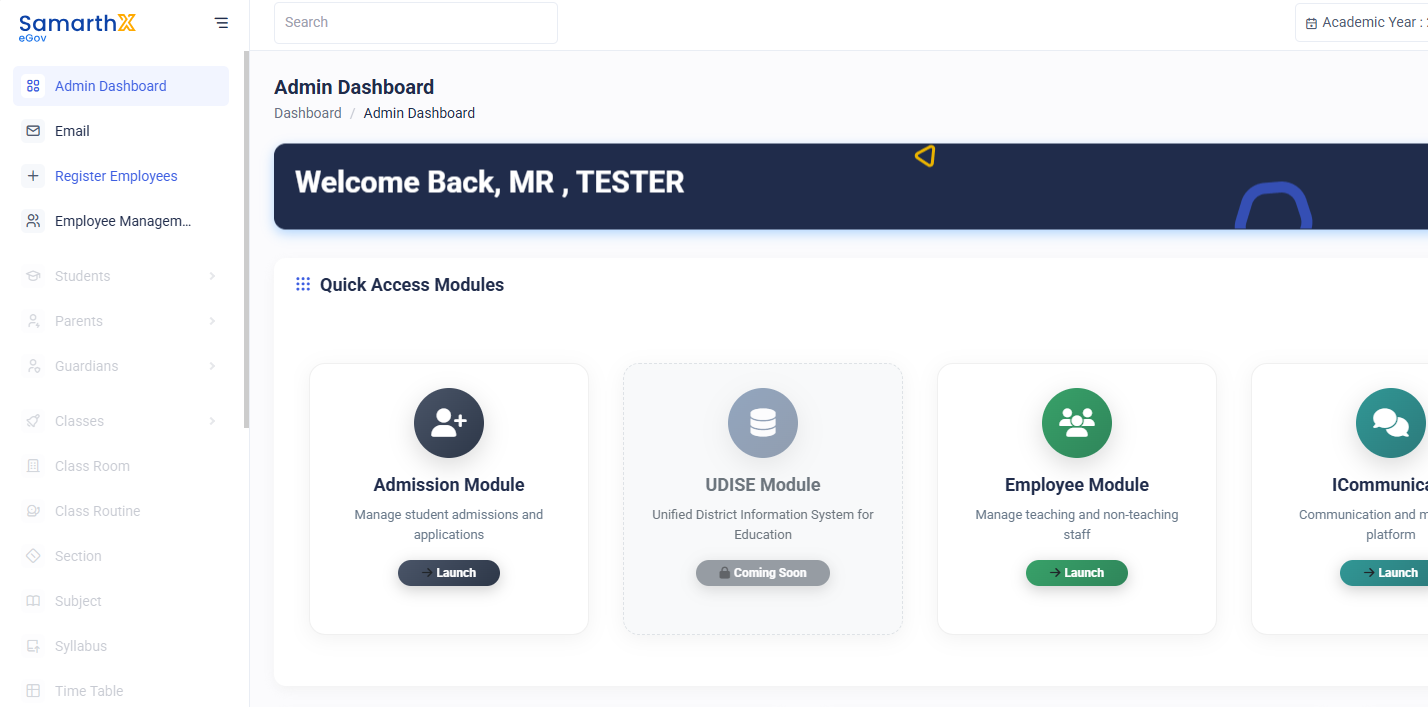
Log in to the School Dashboard.
-
From the sidebar, click Employee Management.
-
Alternatively, access it from the Modules section on the dashboard.
-
-
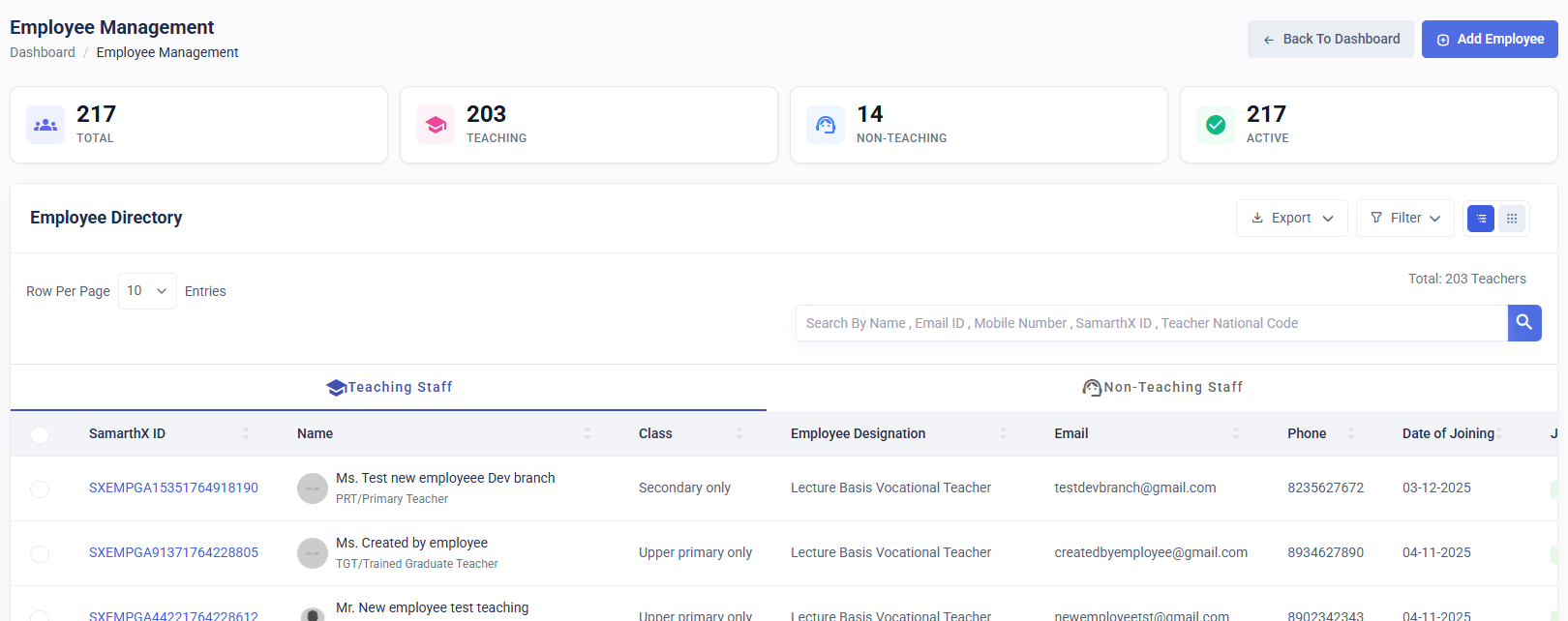
You will be redirected to the Employee Directory page, where all existing employees of the school are listed.
2. Opening the Employee Registration Page
-
On the Employee Directory page, click the Add Employee button located at the top-right corner.
-
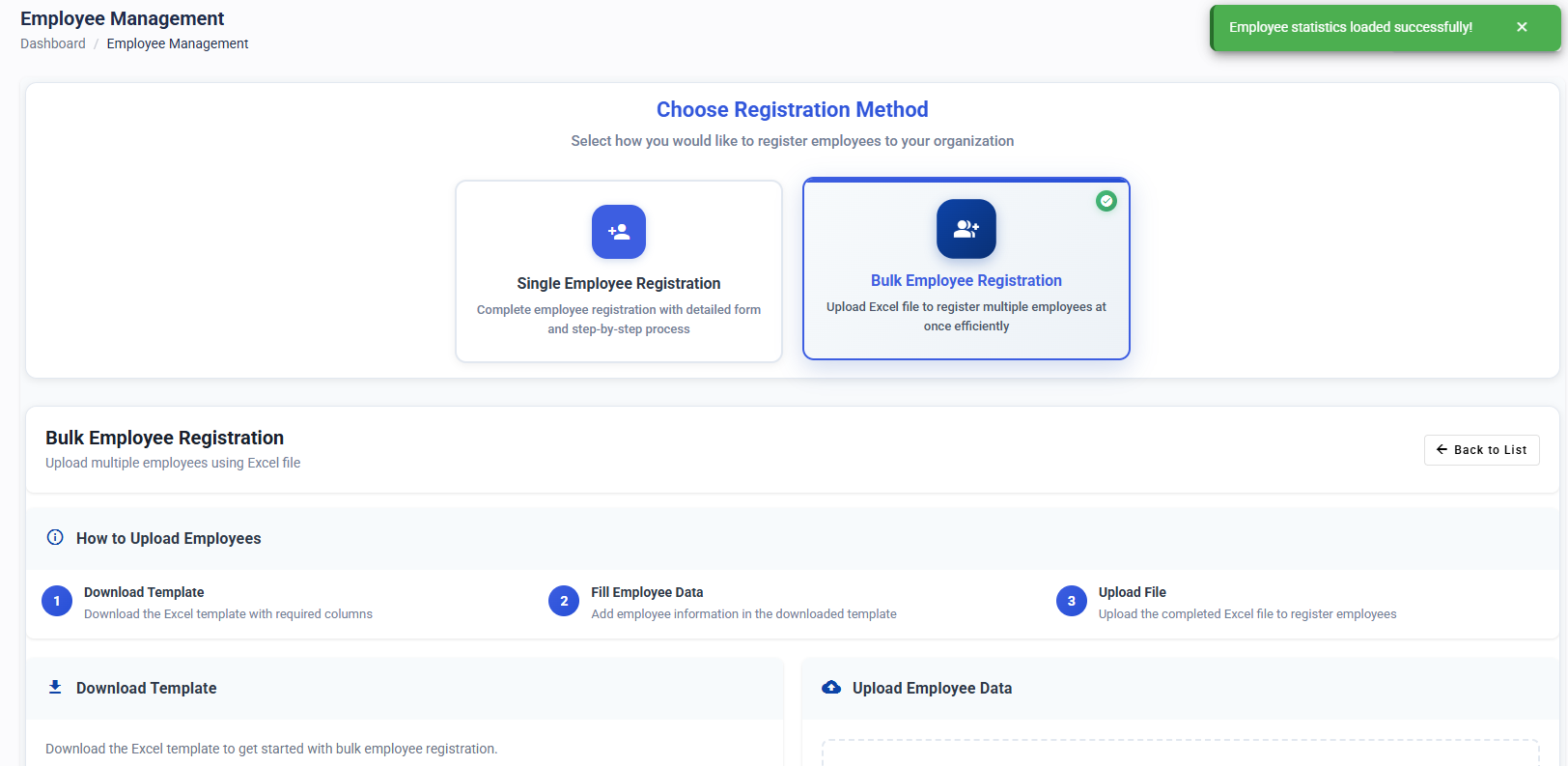
You will see two registration options:
-
Single Employee Registration
-
Bulk Employee Registration
-
Choose the method based on your requirement.
3. Bulk Employee Registration
Use this method when you want to register multiple employees at once.
3.1 Download the Registration Template
-
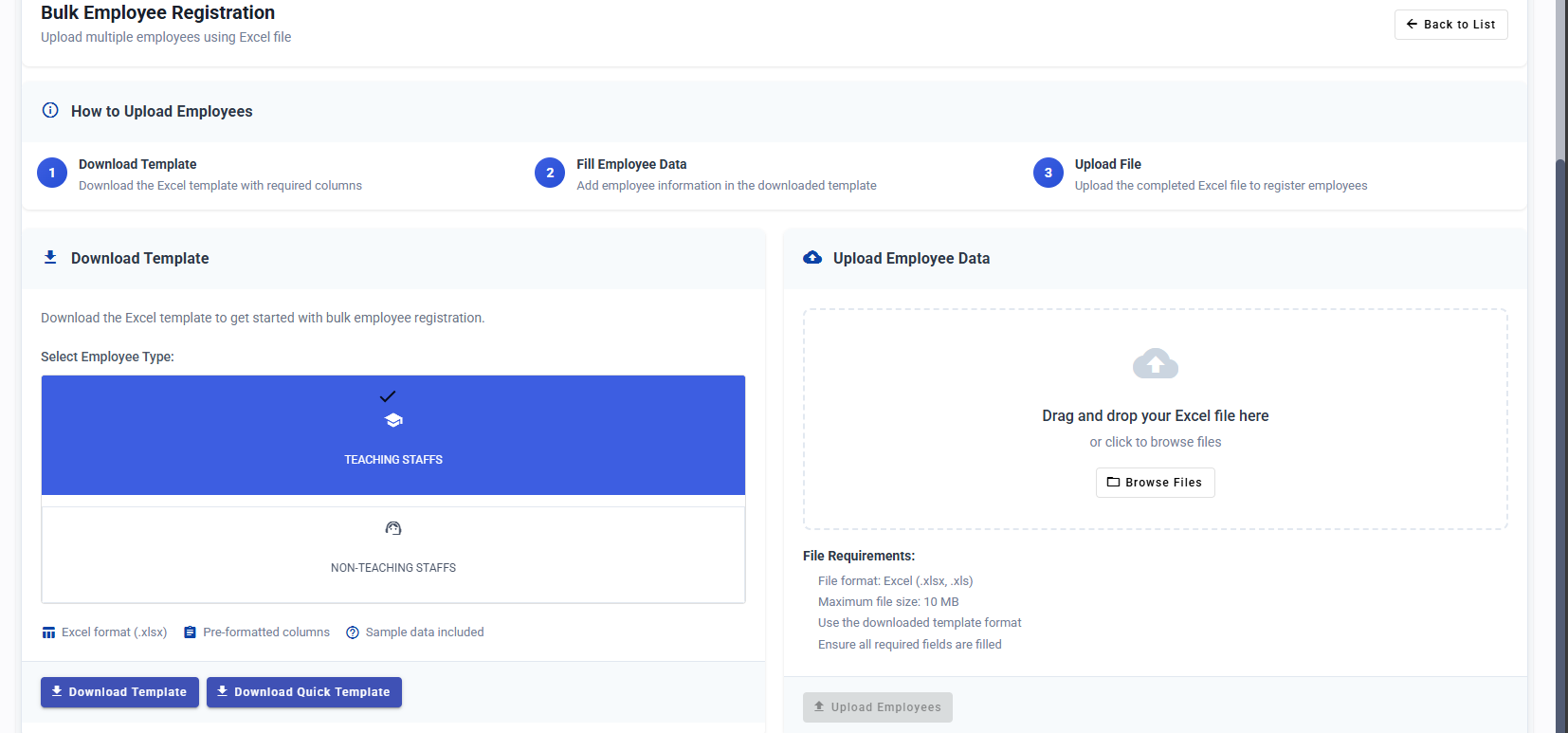
Scroll down to the Bulk Registration section.
-
Select the Employee Type:
-
Teaching Staff
-
Non-Teaching Staff
-
-
Based on your preference, download one of the available templates:
-
Quick Template – Contains only mandatory fields
-
Detailed Template – Includes all fields for comprehensive data entry
-
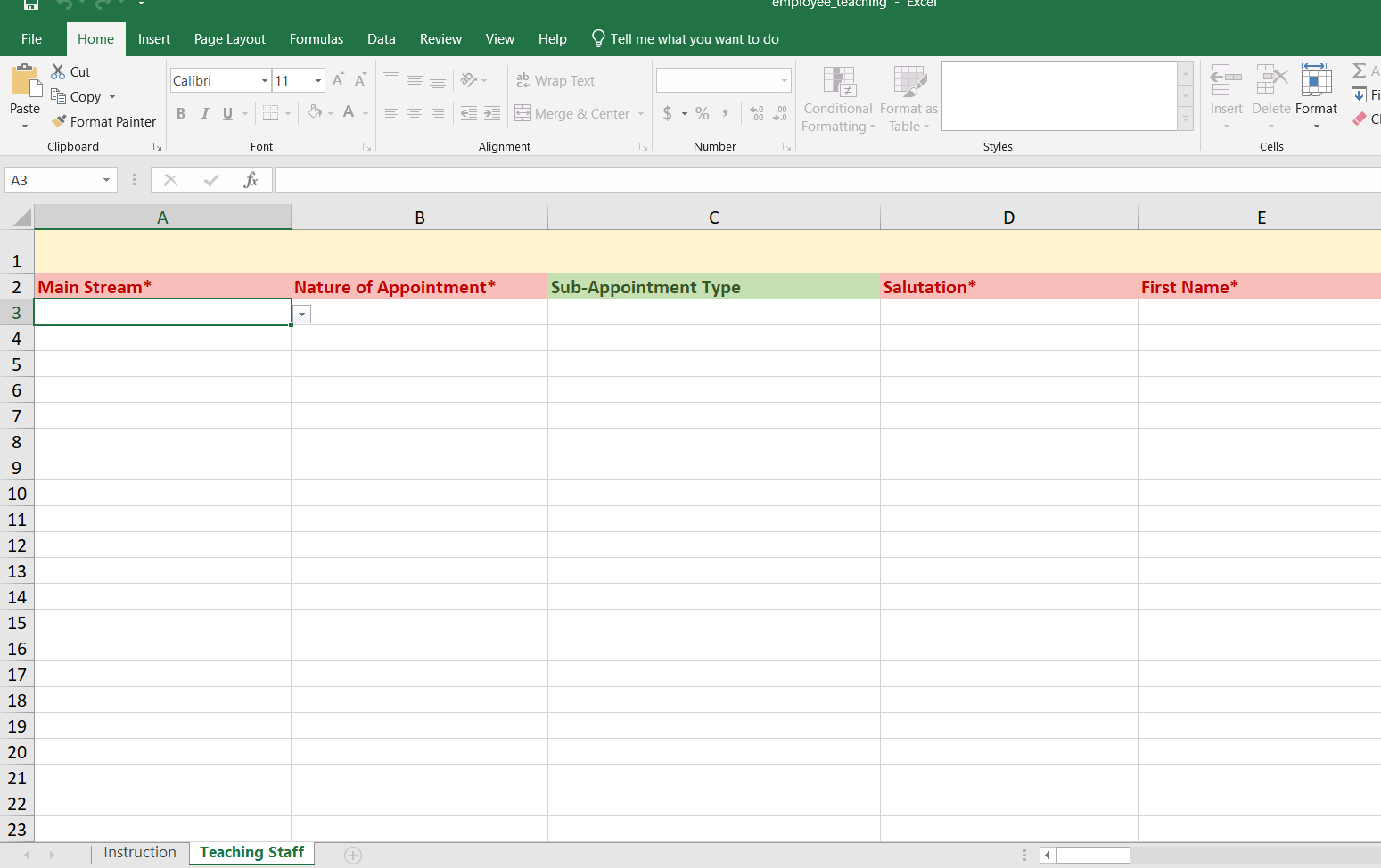
3.2 Fill the Template
-
Open the downloaded Excel file.
-
Enter the required details for each employee you want to onboard.
-
Ensure all mandatory fields are filled.
-
Save the file after completing the entries.
3.3 Upload and Submit
-
Go back to the registration page.
-
Upload the completed file by dragging and dropping it into the Upload Section on the right side.
-
The system will process the file and create employee records.
3.4 Verify Registration
-
After upload, click Back to List.
-
Check the Employee Directory to confirm that all employees have been successfully registered.
4. Single Employee Registration
Use this option to register one employee at a time.
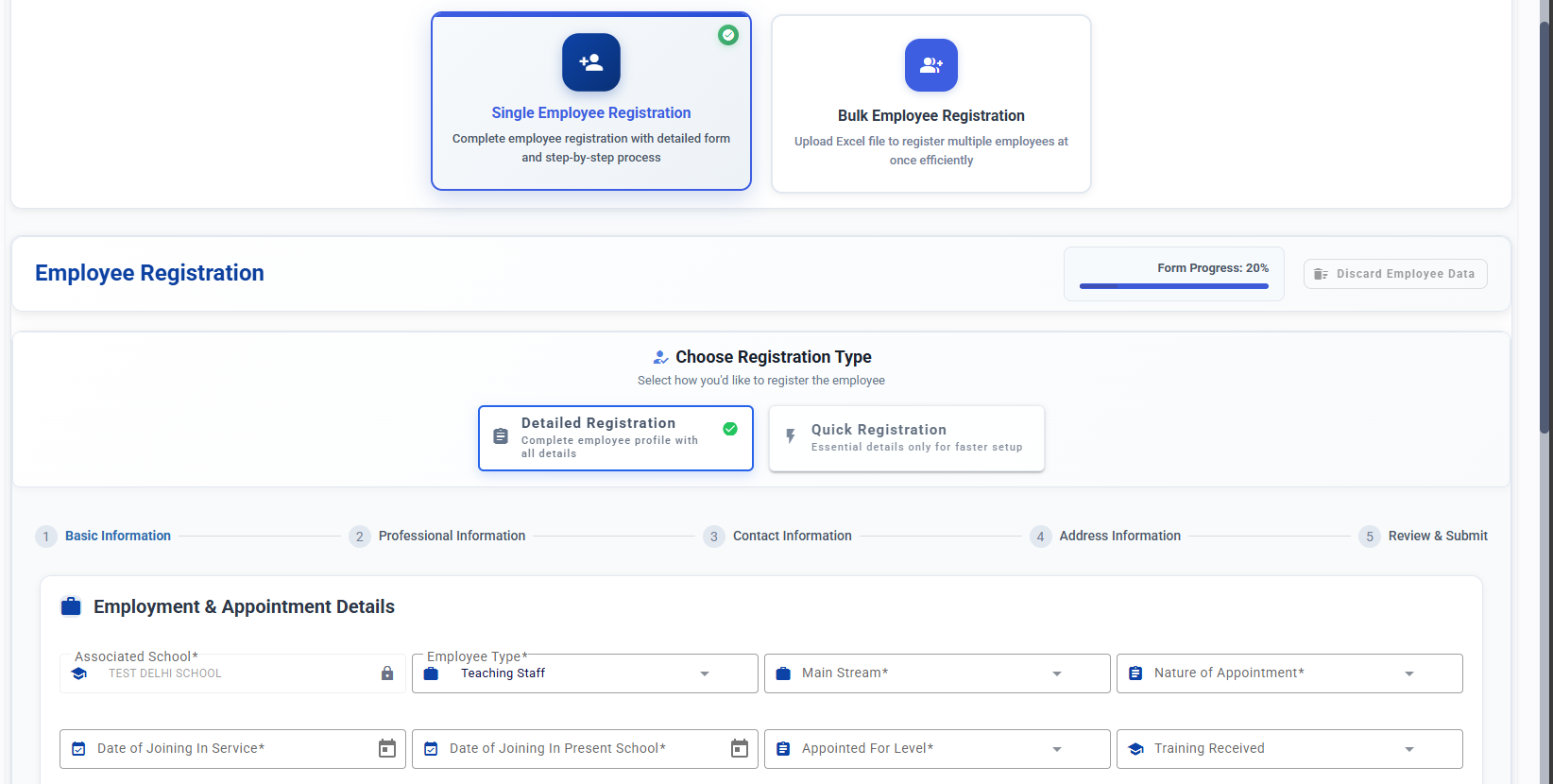
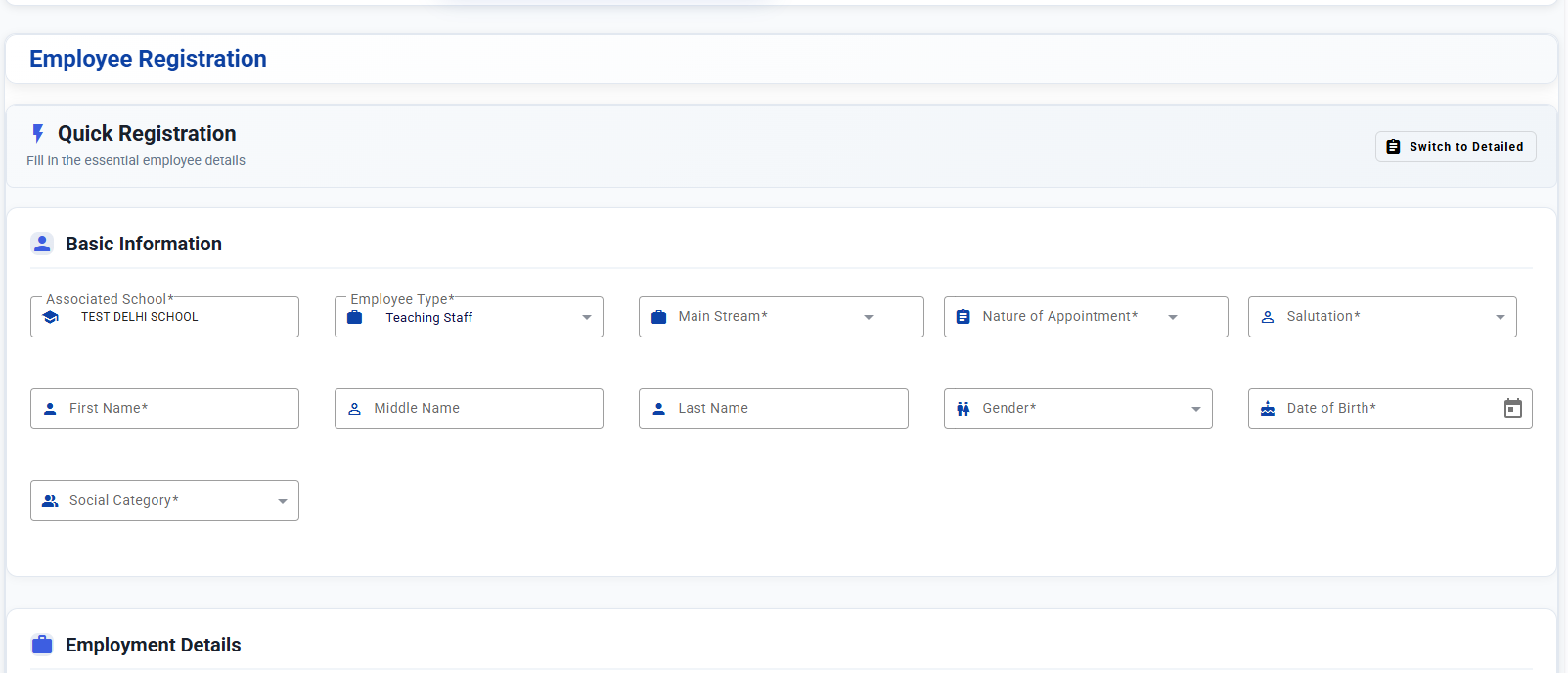
4.1 Choose the Form Type
You can choose between:
-
Quick Form – Contains only essential fields
-
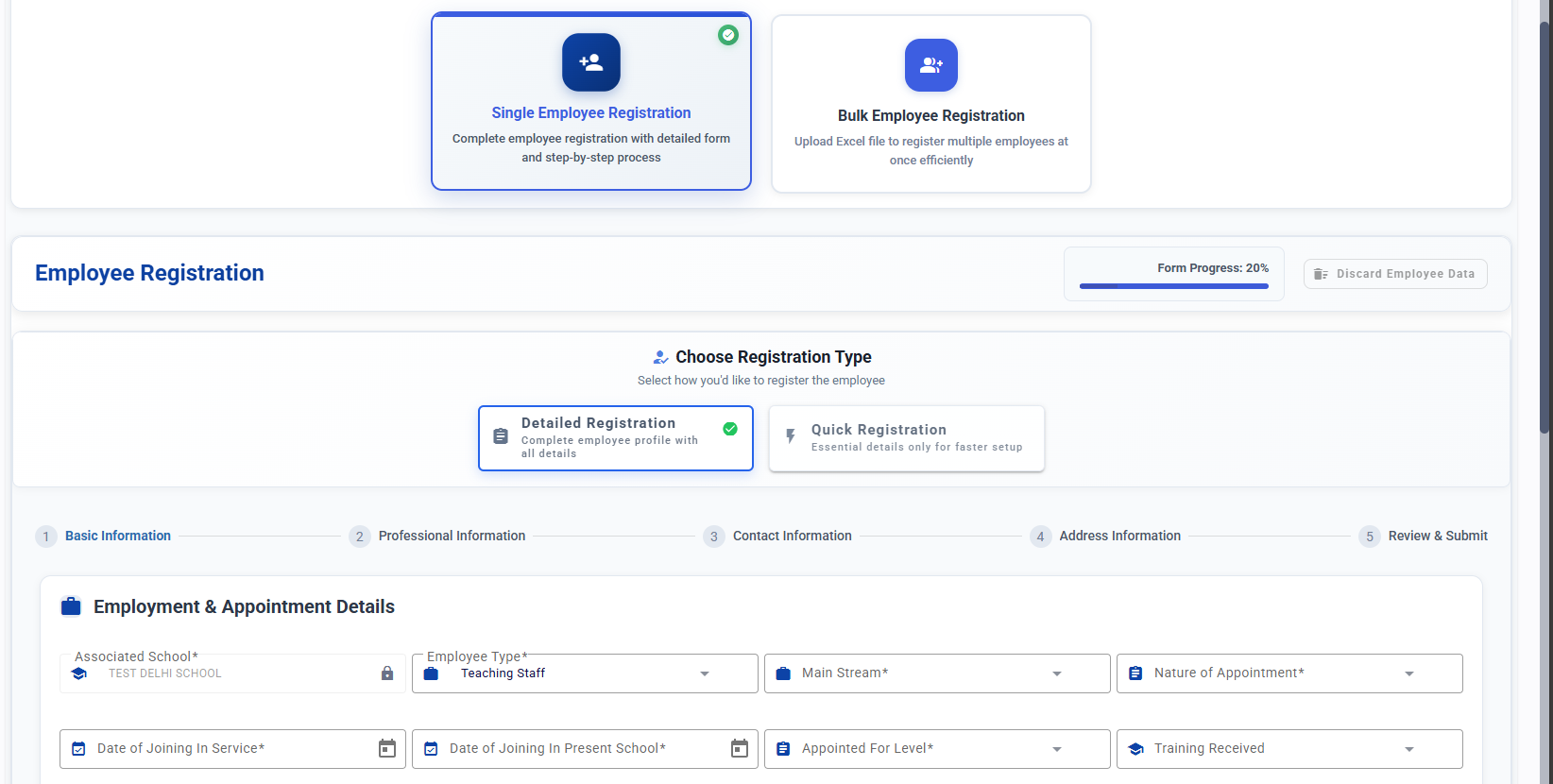
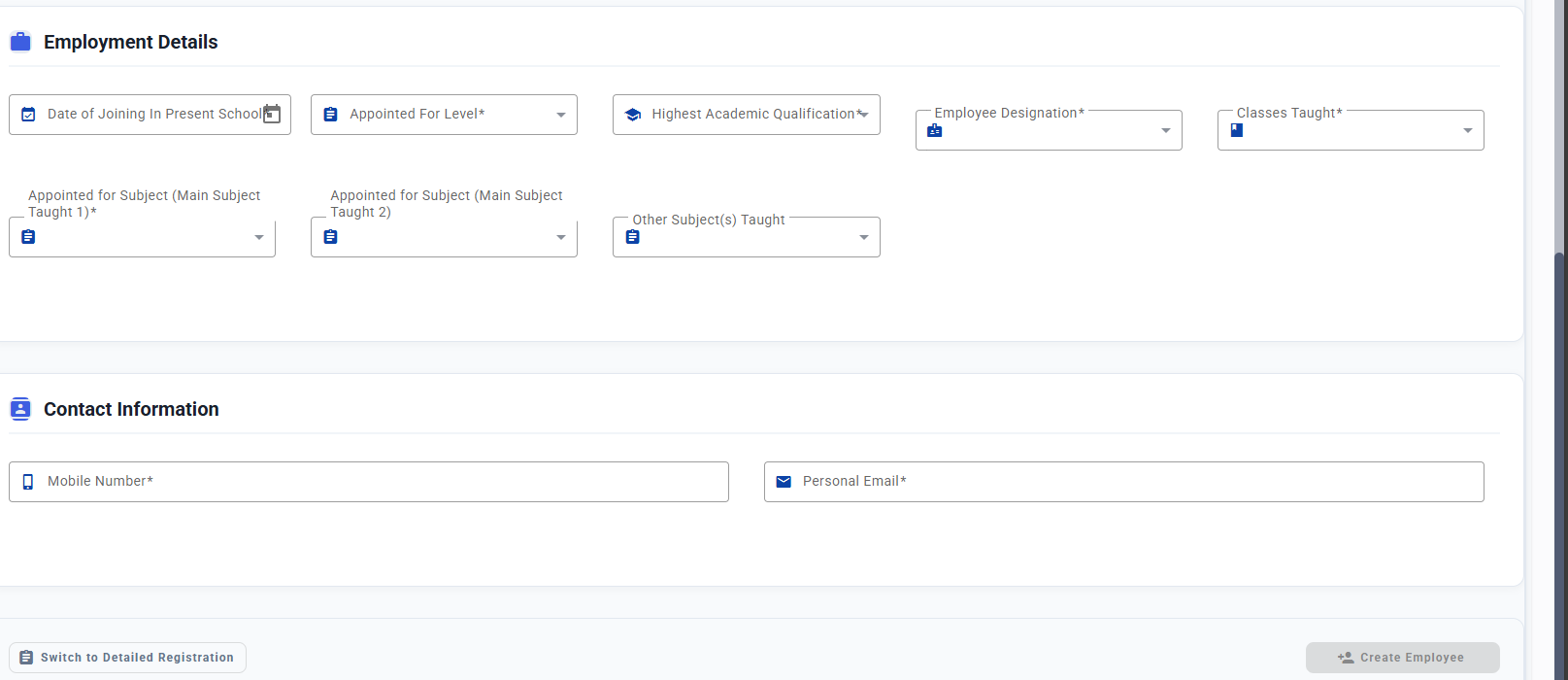
Detailed Form – Includes all fields across four sections:
-
Basic Information
-
Professional Information
-
Contact Information
-
Address Information
-
4.2 Fill and Submit
-
Select the preferred form type.
-
Enter the required employee details.
-
Submit the form to complete the registration.
Once the employee is registered, an invitation email will be sent to their registered email address. The employee simply needs to log in using the invitation and complete their onboarding steps to access their SamarthX dashboard.