SamarthX Admin Portal – Login User Guide
Overview
The SamarthX Admin Portal is used for monitoring and tracking the State Onboarding Process, reviewing progress, and managing state-level data.
Accessing the Admin Portal
-
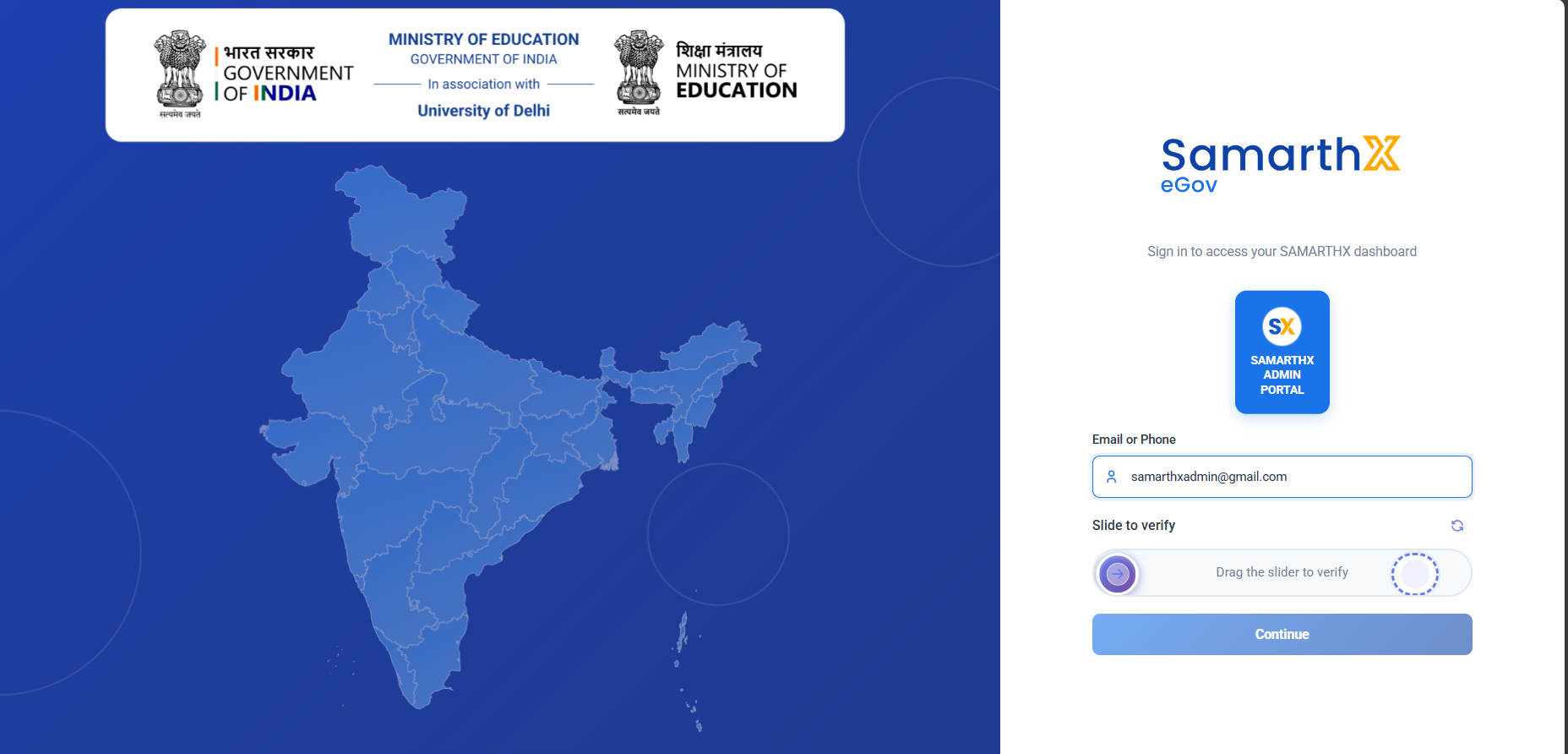
Open the SamarthX Admin Portal login page.
-
Select the appropriate portal (if multiple portal options are available).
-
Enter your registered Email Address.
-
Click Continue.
Entering Password
-
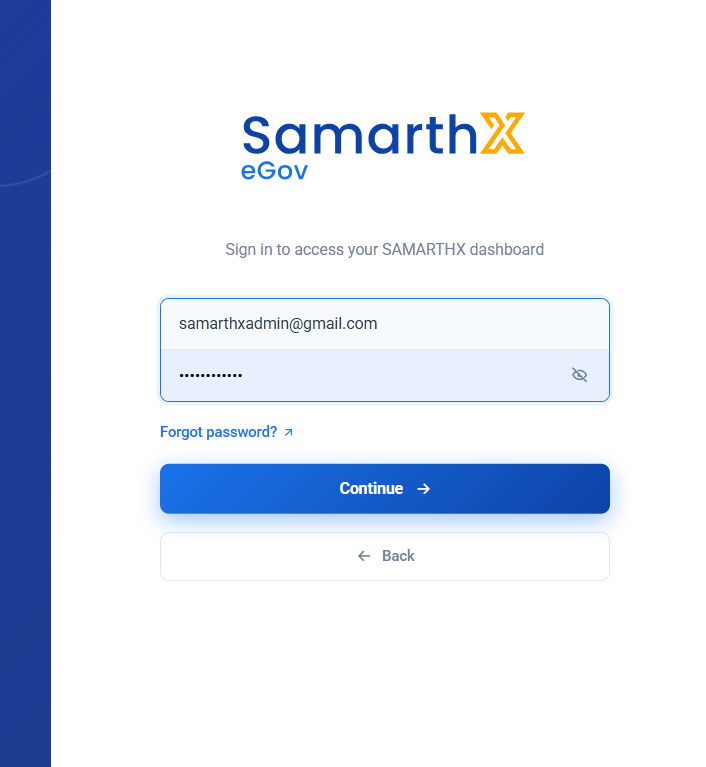
Enter your Password.
-
Click Continue.
OTP Verification
-
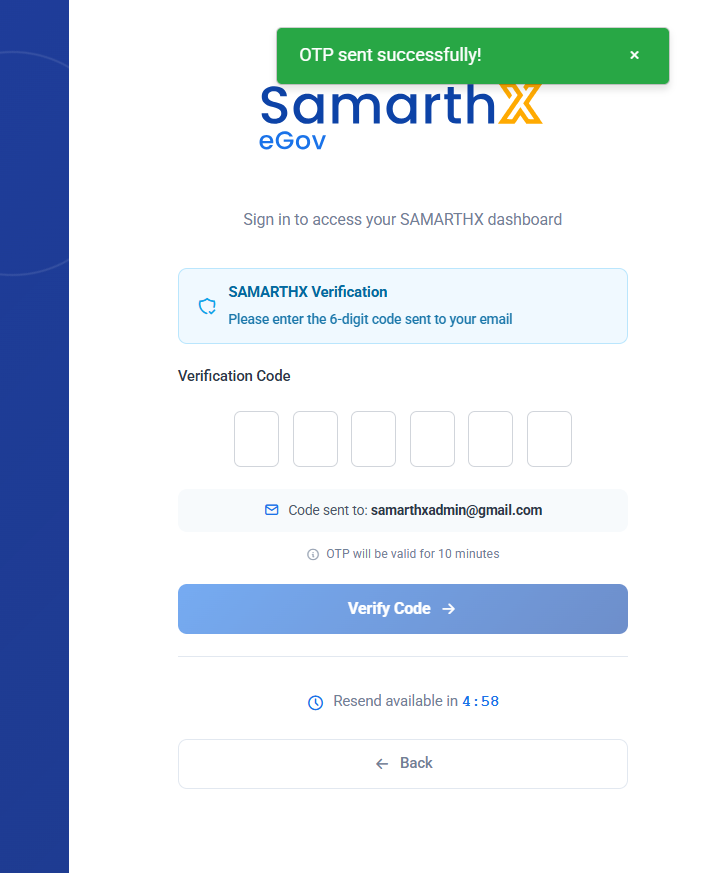
A 6-digit OTP will be sent to your registered email.
-
Enter the OTP in the verification screen.
-
Click Verify Code.
Note:
-
OTP is valid for a limited time (as displayed on screen).
-
Use the Resend OTP option if required.
Accessing the Dashboard
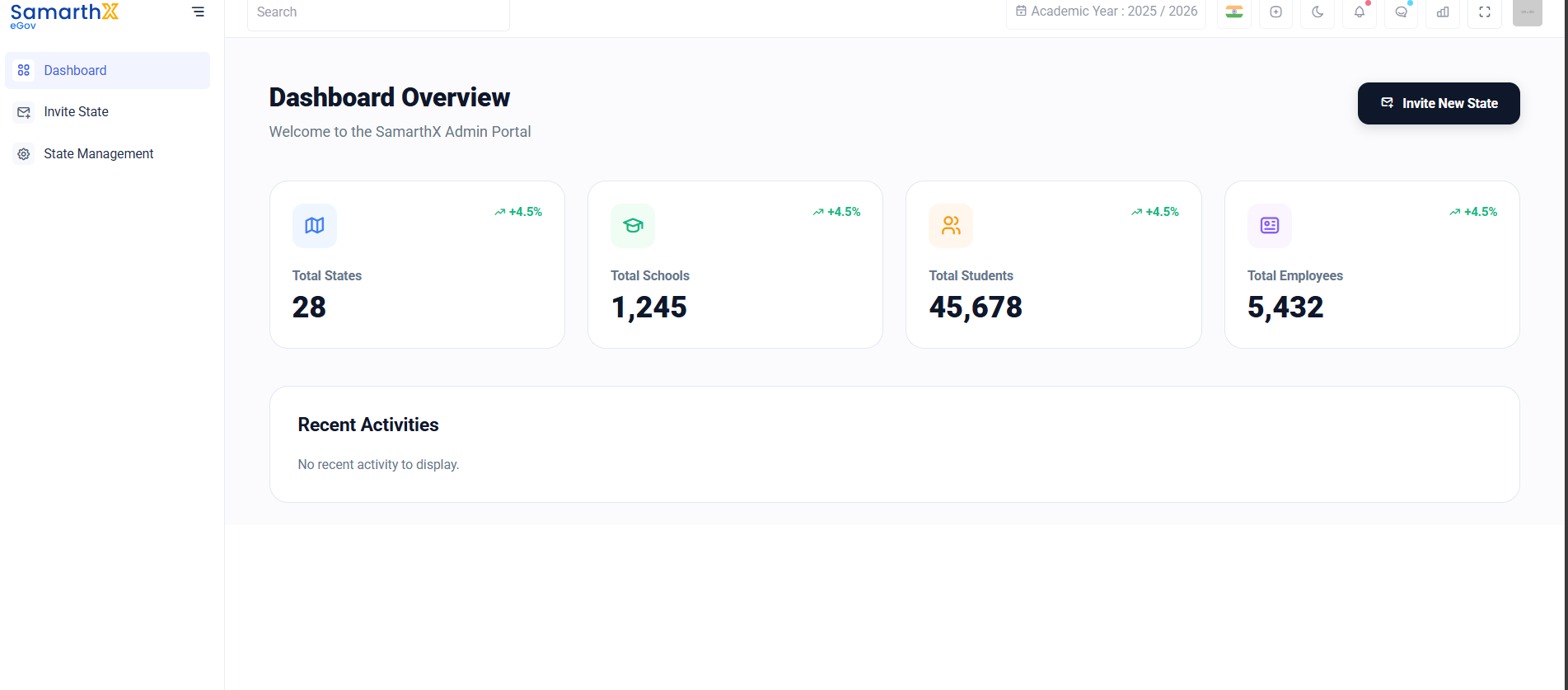
After successful verification, you will be redirected to the Admin Dashboard.
From the dashboard, administrators can:
- Invite State
-
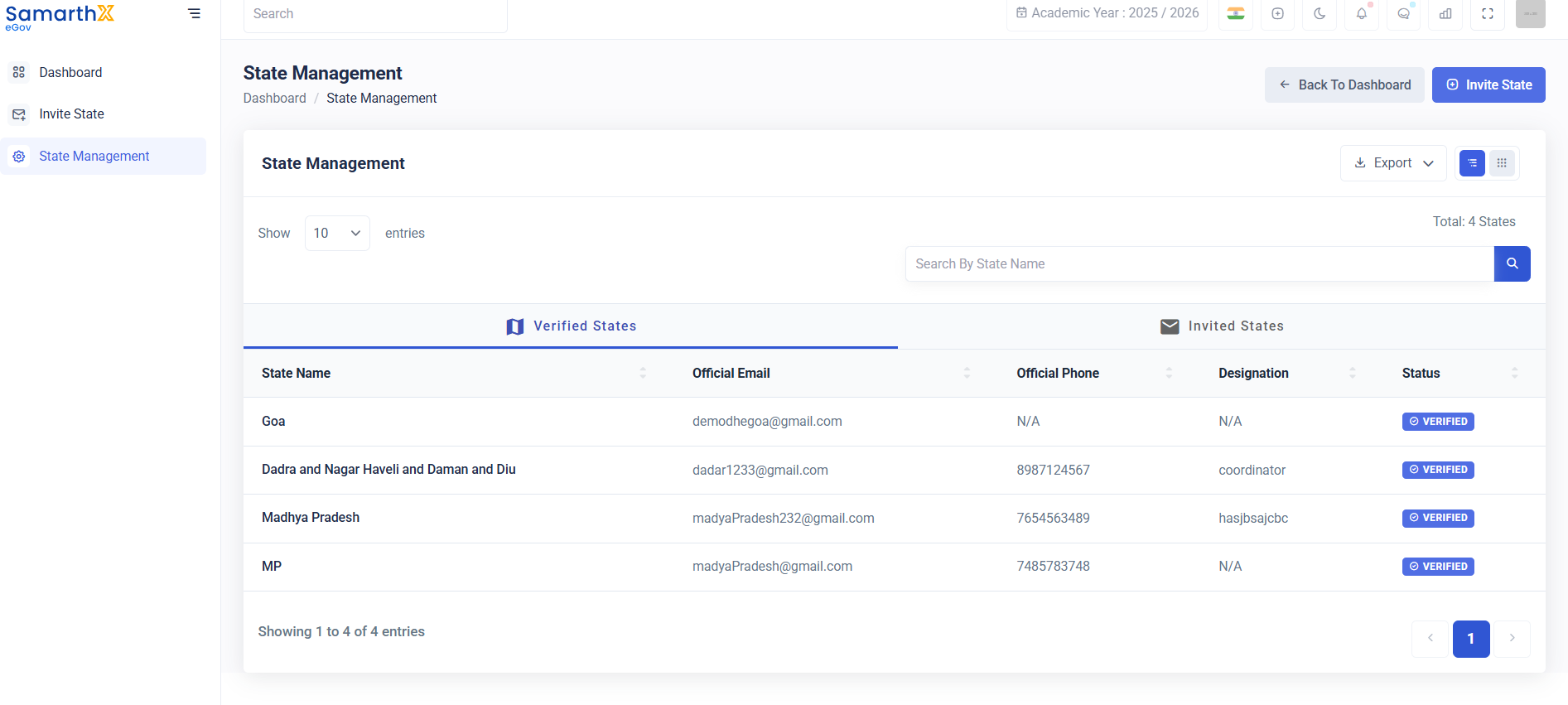
Track state onboarding progress
-
Monitor registration and activation status
-
Review state-wise data