
User Authentication & Access Management
Overview
The DHE (Department of Higher Education) Portal Login page is the entry point for authorized users to access the DHE Dashboard through the SamarthX eGovernance platform. The portal is developed in collaboration with the Ministry of Education, Government of India, and the University of Delhi.
Page URL
https://demosamarthx.du.ac.in/auth/login-dhe
2. Portal Selection
Users can choose from the following login options:
| Portal Type | Description |
|---|---|
| DHE Employee Portal | Access for DHE employees and staff members |
| DHE Portal | Access to the DHE dashboard and portal services |
By default, the DHE Portal option is selected.
3. Login Form
Email or Phone
Input field used to enter:
- Registered Email Address
- Registered Mobile Number

4. Continue Button
After entering a valid email address or phone number, click Continue to proceed with authentication.
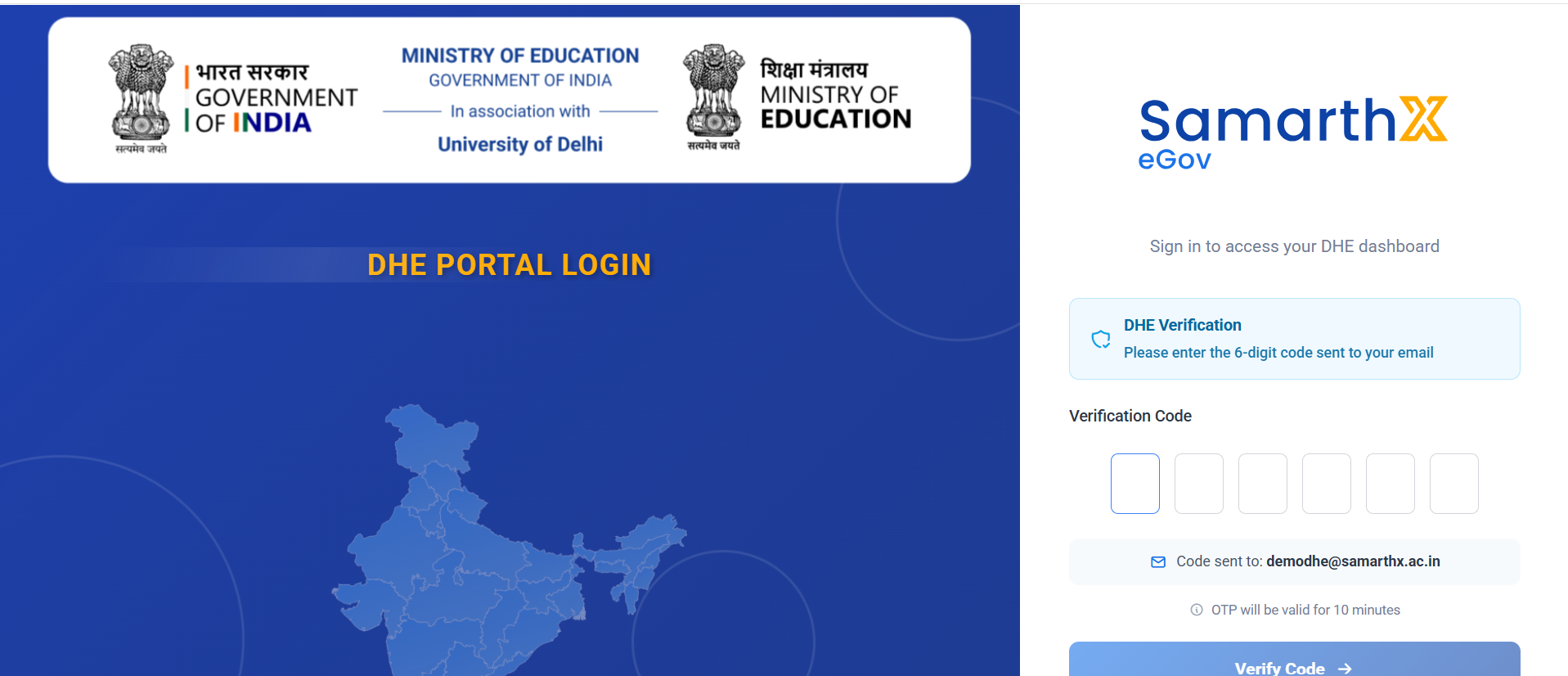
Enter the verification code sent on your mail/ Phone.
Functional Features
- Secure user authentication
- Portal-based login selection
- Email and mobile number support
- Role-based access management
- Dashboard access control
- Responsive user interface
Validation Rules
| Field | Validation |
|---|---|
| Email/Phone | Mandatory |
| Must be in valid email format | |
| Phone Number | Must be registered in the system |
Error Handling
| Scenario | Message |
|---|---|
| Empty Field | Email or Phone is required |
| Invalid Email Format | Enter a valid email address |
| Unregistered User | User not found |
| Authentication Failure | Invalid credentials |