
Admission Management-Application Directory- Under Review
Navigation Path
Dashboard → Admission Management
Overview
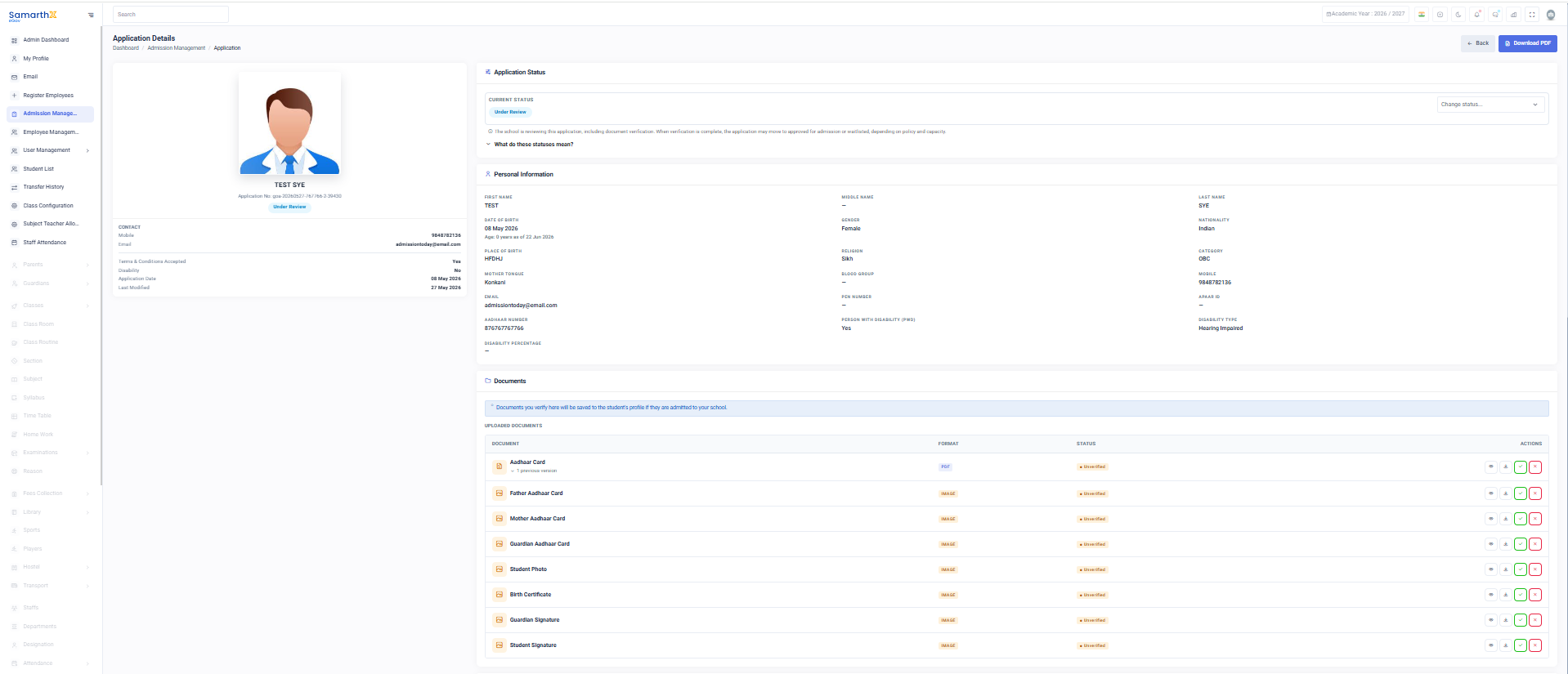
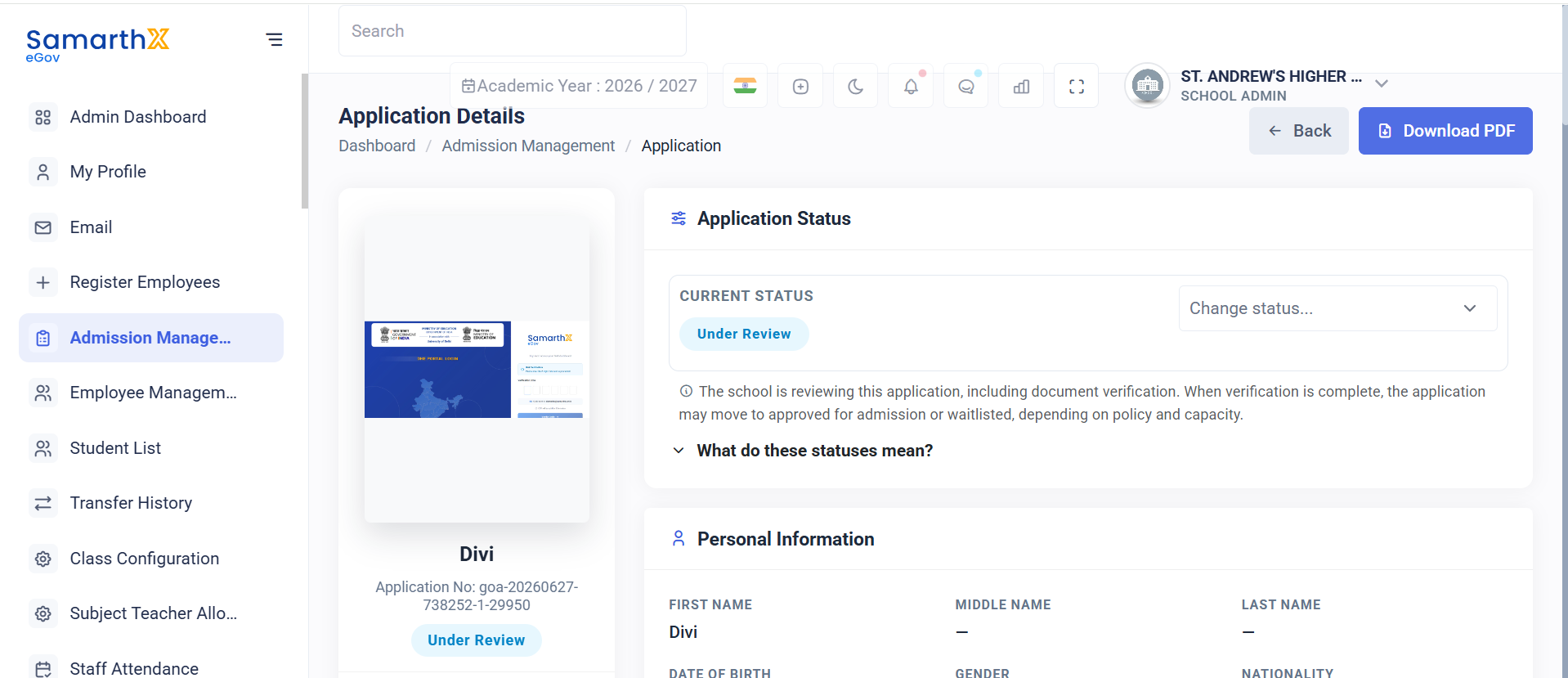
The Application Details page provides complete information about a student's admission application submitted to the school.
School administrators can:
- Review applicant information
- Verify uploaded documents
- Review academic history
- Review parent and guardian information
- Verify address details
- Update application status
- Make admission decisions
Navigation
Admin Dashboard → Admission Management module→ managesApplication Details
Personal Information
Displays applicant personal details.
Information Displayed
- First Name
- Middle Name
- Last Name
- Date of Birth
- Age
- Gender
- Nationality
- Place of Birth
- Religion
- Category
- Mother Tongue
- Blood Group
- Mobile Number
- Email Address
- PEN Number
- APAAR ID
- Aadhaar Number
Disability Information
Displayed when the applicant is marked as a Person with Disability (PwD).
Information Displayed
- PwD Status
- Disability Type
- Disability Percentage
Documents
Administrators can review and verify uploaded documents.
Document Verification
Verified documents are stored in the student applications,profile admissionafter progress, status updates, and applicant records.admission.
DashboardInformation Summary
Displayed
ApplicationsSupported Directory
Documents
- Student Photo
- Birth Certificate
- Aadhaar Card
- Father Aadhaar Card
- Leaving Certificate
- Transfer Certificate
- Eligibility Certificate
- Guardian Signature
- Consent Form
Document Statuses
- Verified
- Unverified
- Re-upload Requested
Available Actions
- View Document
- Verify Document
- Request Re-upload
- Reject Document
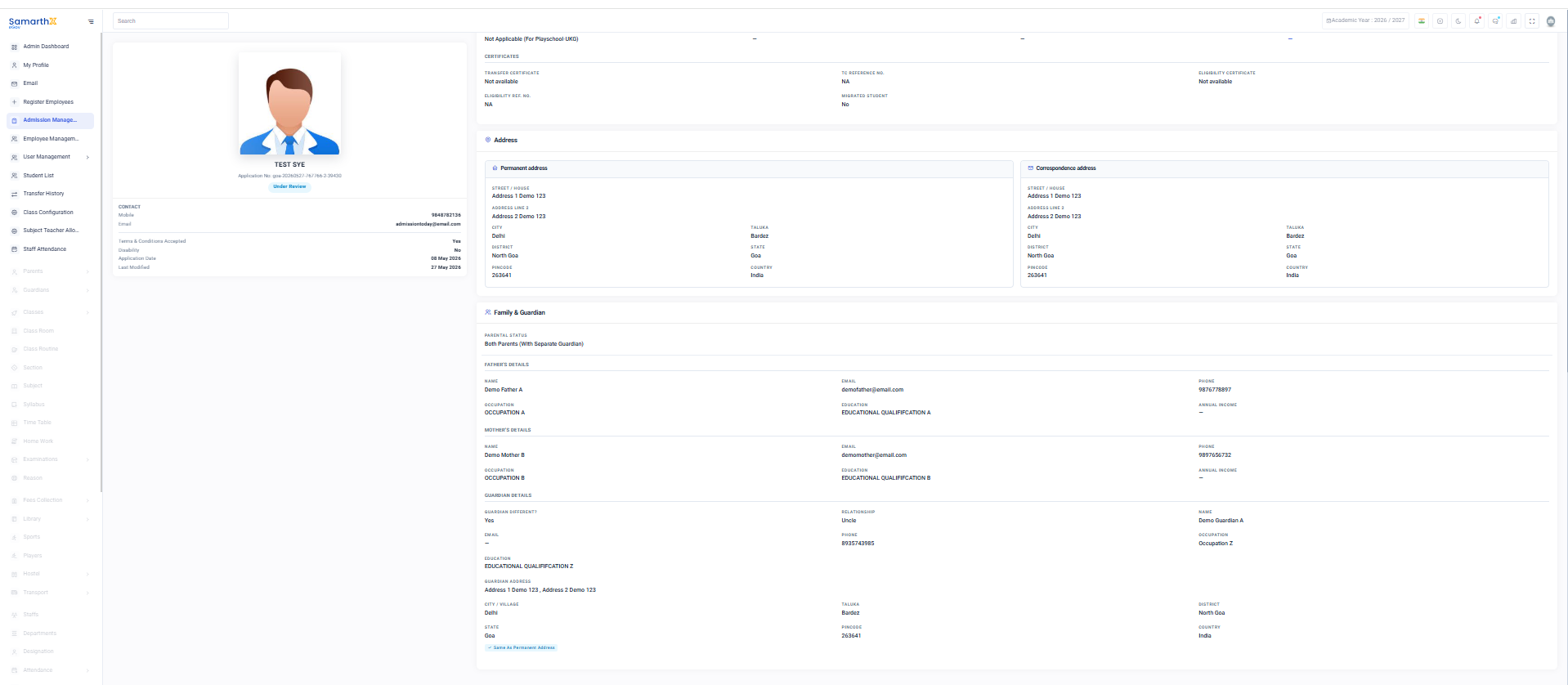
Academic Background
Displays filteredthe applicationsapplicant's basedacademic onhistory.
Information classDisplayed
- Grade Applied For
- Academic Year
- Previous School Name
- Previous Class
- Medium of Instruction
- Previous Class Result Status
Board Examination Details
- Board Examination
- Total Marks
- Marks Obtained
- Percentage
Certificate Information
- Transfer Certificate Availability
- Transfer Certificate Reference Number
- Eligibility Certificate Availability
- Eligibility Certificate Reference Number
- Migrated Student Status
Address Information
Permanent Address
Displays:
- Street / House Details
- City
- Taluka
- District
- State
- Pincode
- Country
Correspondence Address
Displays:
- Same as Permanent Address Status
- Street / House Details
- City
- Taluka
- District
- State
- Pincode
- Country
Family & Guardian Information
Parental Status
Displays the applicant's parental status.
Examples:
- Both Parents
- Single Parent (Mother)
- Single Parent (Father)
- Guardian
Parent Details
Father Information
- Name
- Phone Number
- Occupation
- Education
- Annual Income
Mother Information
- Name
- Phone Number
- Occupation
- Education
- Annual Income
Guardian Information
Displays guardian details when applicable.
Information Displayed
- Guardian Different Status
- Guardian Name
- Relationship
- Mobile Number
- Email Address
- Occupation
CurrentDocument FilterVerification Dashboard
Document Status Table
| Status | Actions Available | ||
|---|---|---|---|
| Rejected | Reject / Re-upload Required | ||
| Rejected | Reject / Re-upload Required | ||
| Rejected | Reject / Re-upload Required | ||
| Father Aadhaar Card | IMAGE | Unverified | Verify / Reject |
| Leaving Certificate | IMAGE | Unverified | Verify / Reject |
| Transfer Certificate | IMAGE | Unverified | Verify / Reject |
| Eligibility Certificate | IMAGE | Unverified | Verify / Reject |
| Guardian Signature | IMAGE | Unverified | Verify / Reject |
| Consent Form | IMAGE | Unverified | Verify / Reject |
Grade-wise Count
Application List
AvailableStatus ActionsDefinitions
RejectedDocument has been reviewed and found invalid, incomplete, unclear, or incorrect. Applicant must re-upload the document. Verification Workflow
| must |
document.
Admission Review Workflow |
Document Verification Workflow
Open Application
        ↓
Review Uploaded Document
        ↓
Verify Document Quality
        ↓
Verify Document Information
        ↓
Decision

Verified
    ↓
Mark as Verified

OR

Issue Found
    ↓
Request Re-upload
    ↓
Applicant Uploads New Document
    ↓
Review Again