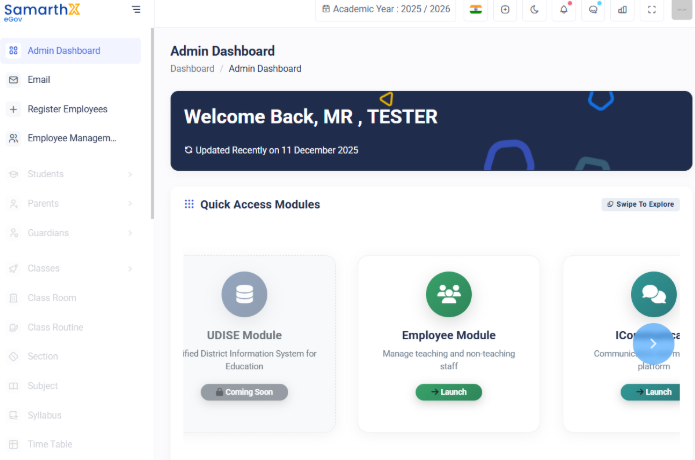
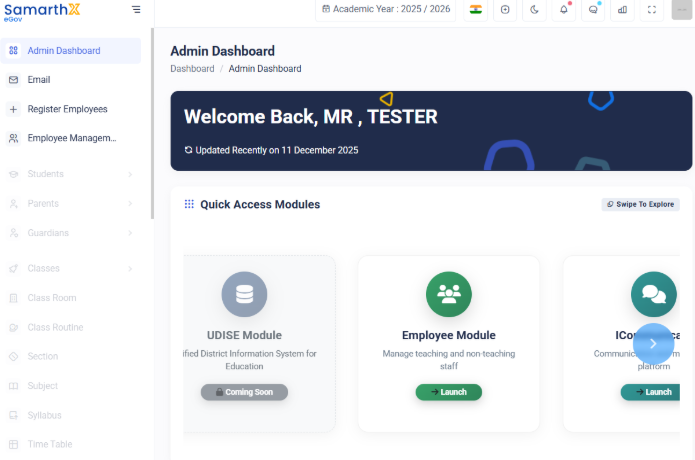
Login in your School Samarthx Platform
1. Access the Login Page
-
Open the Demo SamarthX Platform in your browser.
-
On the landing page, click School Login.


2. Enter Login Credentials
-
In the login form, enter your registered school email address.
-
Click Login with OTP.
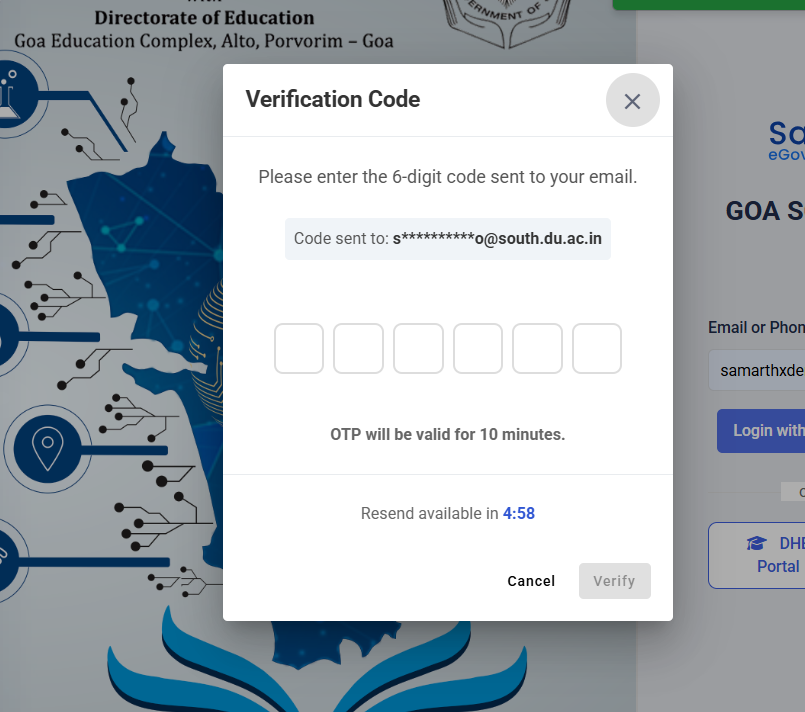
3. Verify OTP
-
An OTP (One-Time Password) will be sent to your registered email.
-
Open your email inbox and check for the OTP message.
-
Enter the OTP in the login screen.
-
Click Submit / Login to access the School Dashboard.