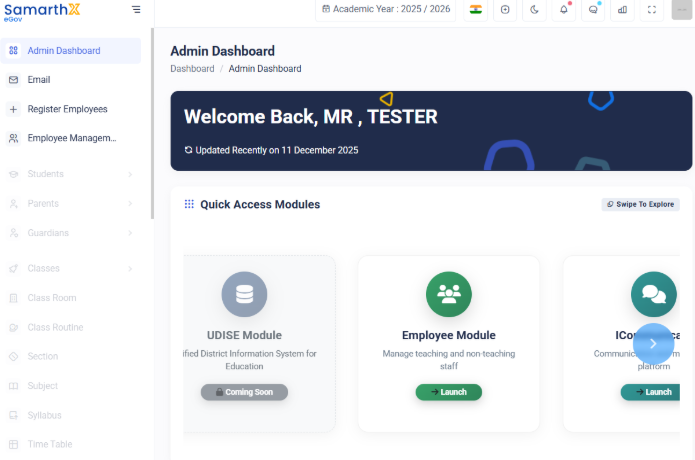
Login in your School Samarthx Platform
1.School AccessUser Login Guide
Follow the Loginsteps Pagebelow to log in to the School Portal.
Only
- Step 2 differs based on whether you are logging in for the first time or have already set your password.
-
OpenGo to the URL SamarthX Admin Template -
Enter the
Demoschool’sSamarthXofficialPlatformregistered email ID or phone numberin your browser.. -
OnComplete thelandingslidepage,toclickverify check. -
Click
School LoginContinue. 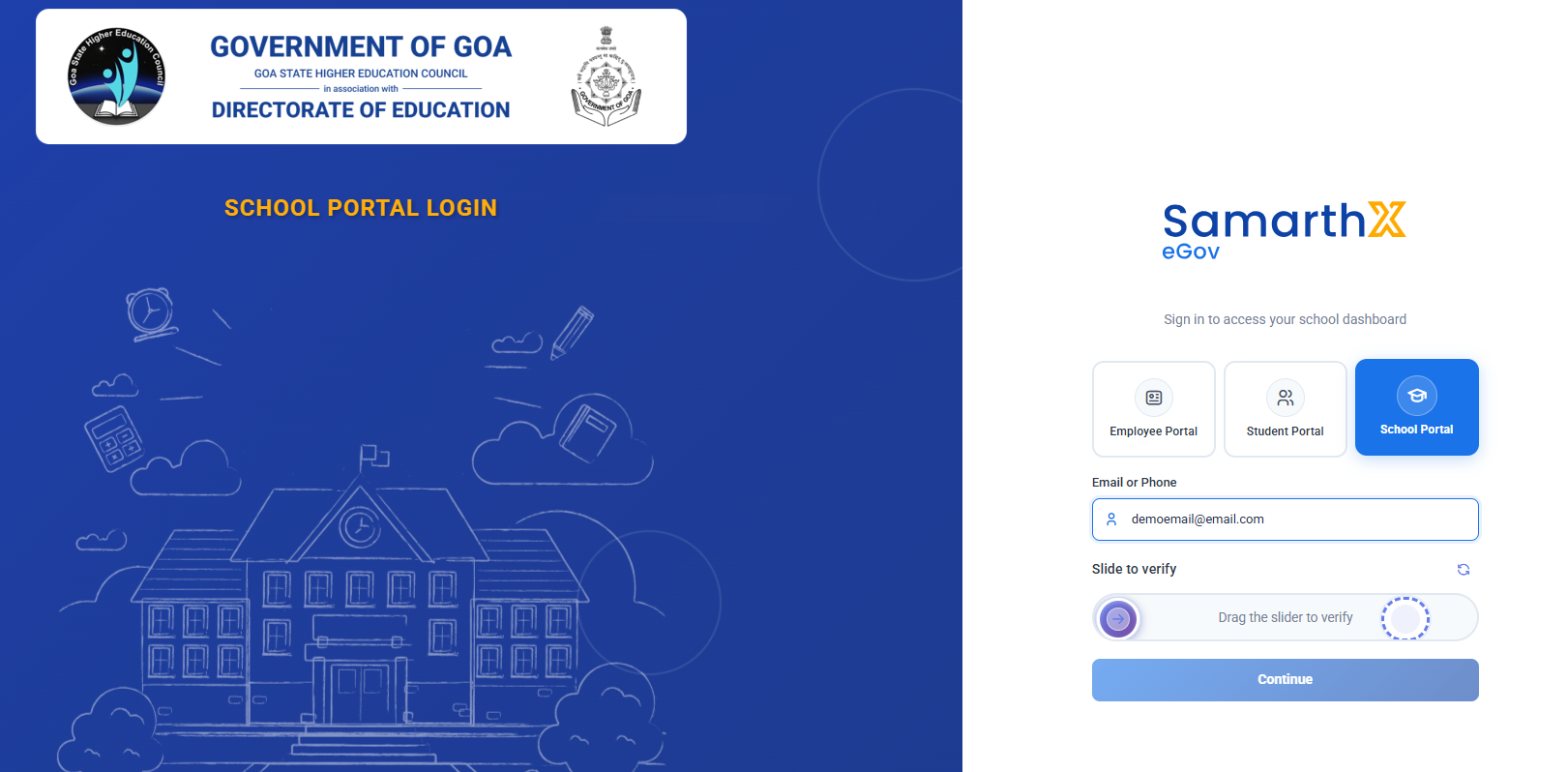
-
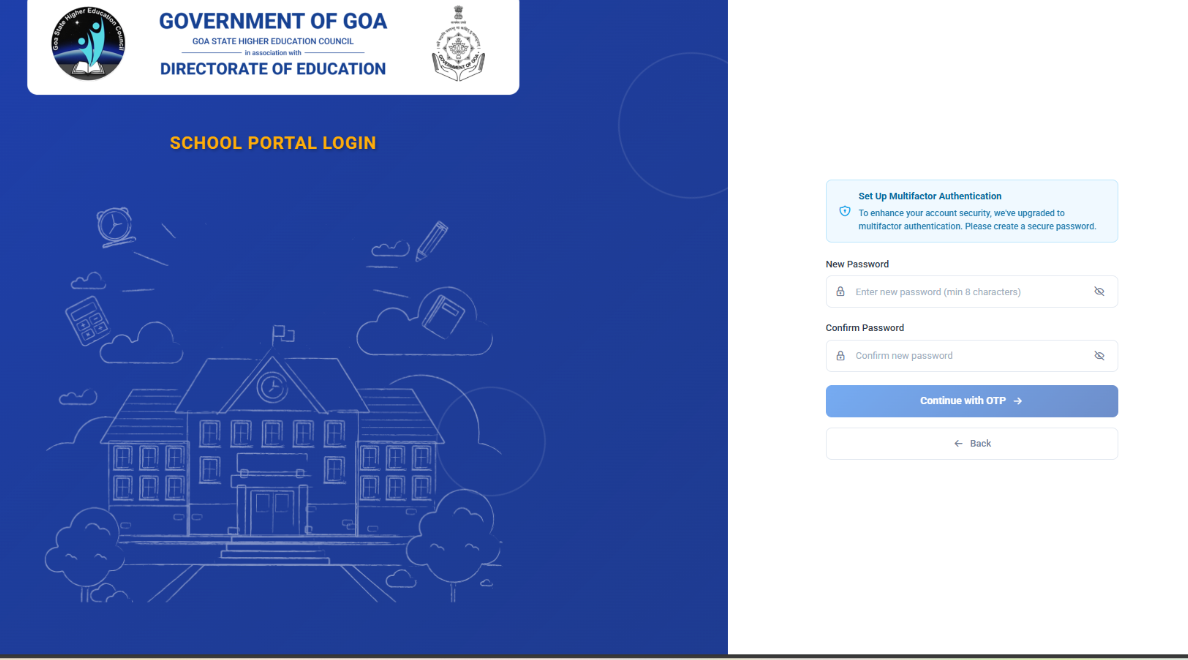
You will be prompted to create a new password.
-
Enter a new password (minimum 8 characters).
-
Confirm the password.
-
Click Continue with OTP.
-
Enter the 6-digit OTP sent to your registered email.
-
Click Verify Code to complete setup.
-

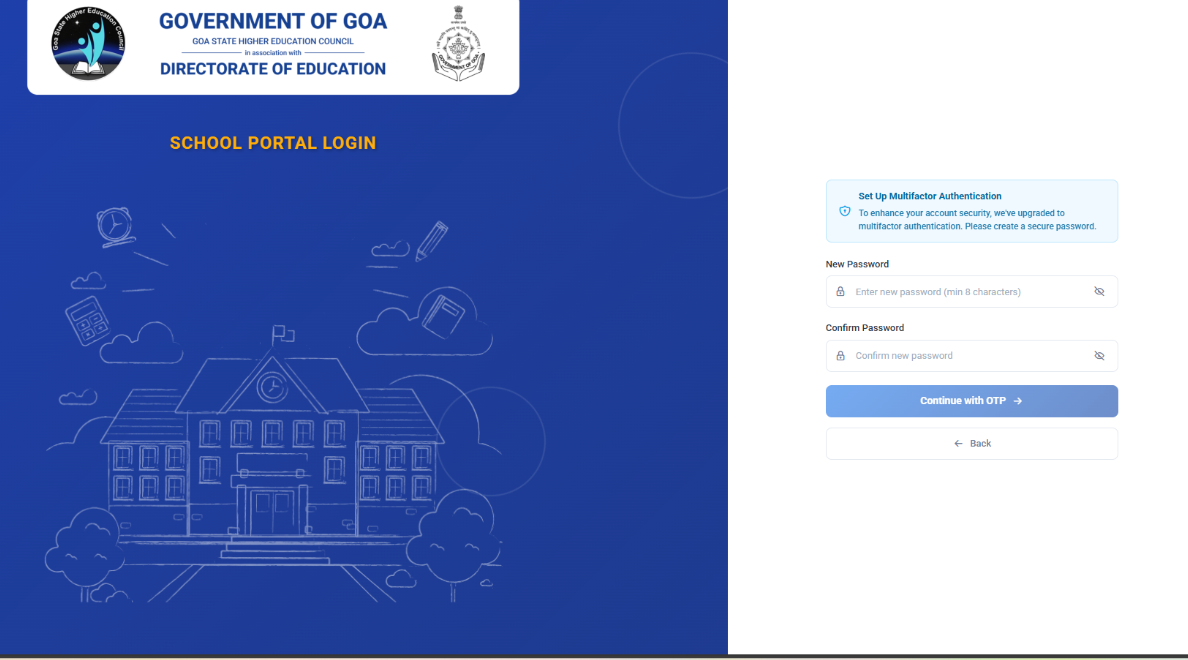
Step 1: Enter Registered Email or Phone
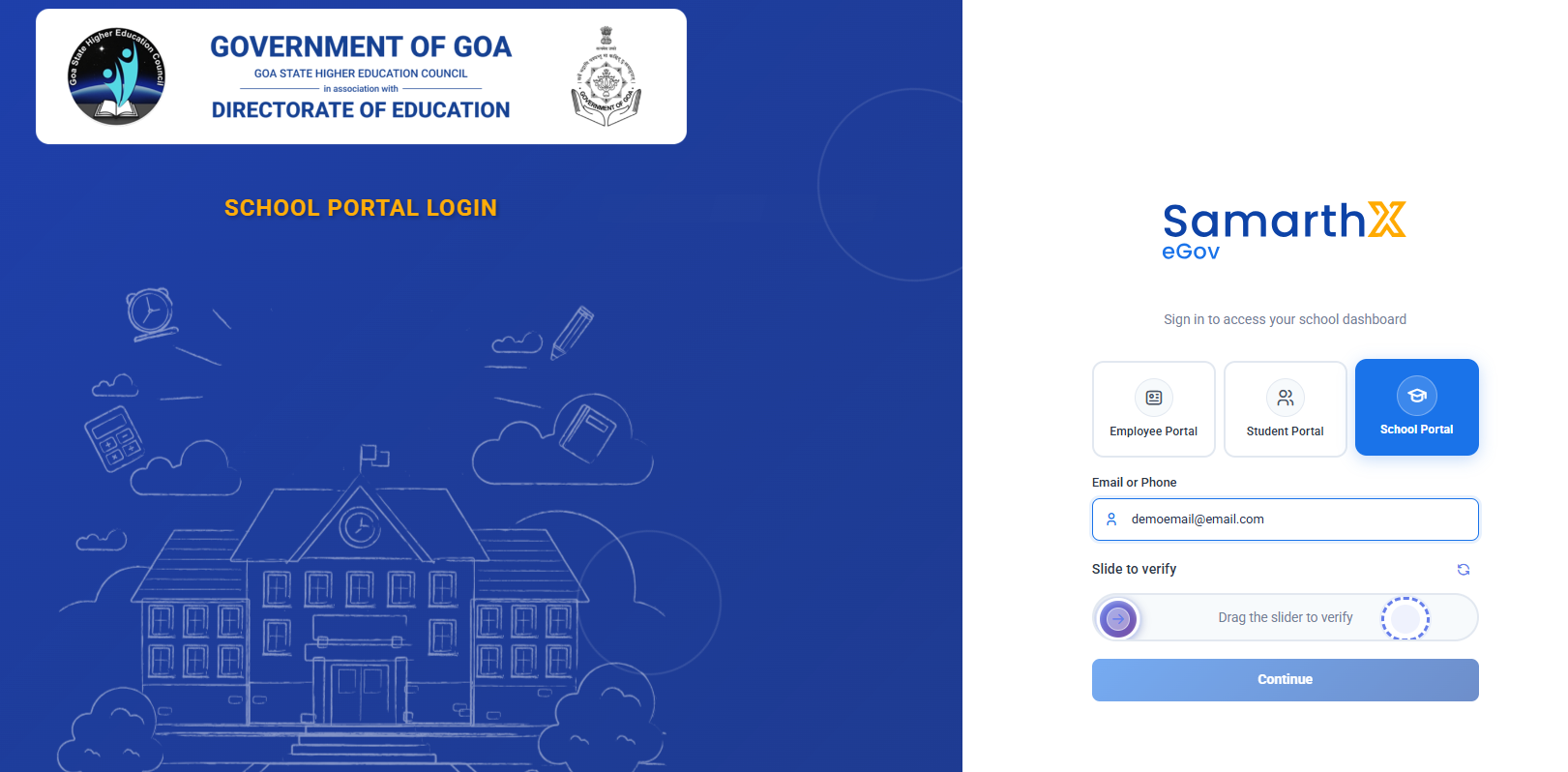
Step 2: Authentication (Varies by User Type)
A. First-Time Login (Password Not Set)
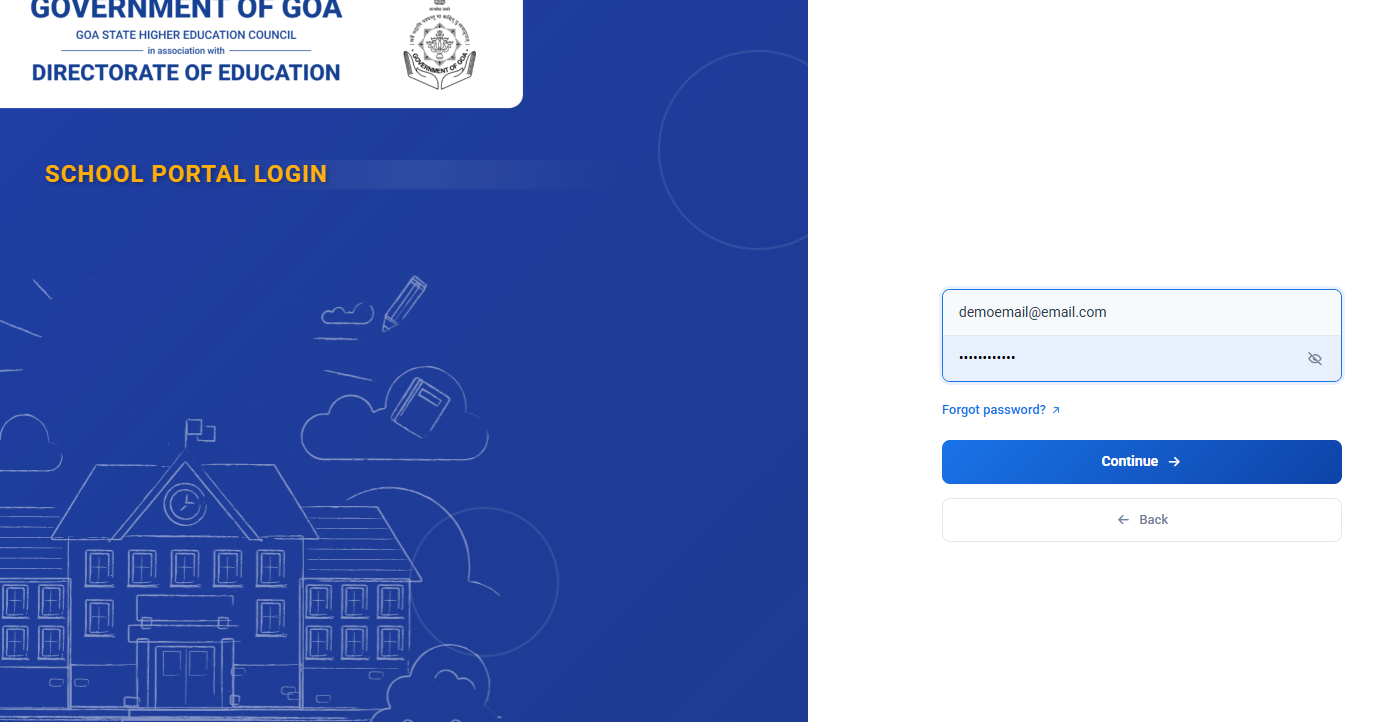
2.B. EnterExisting LoginUser Credentials(Password Already Set)
-
In the login form, enterEnter yourregistered school email addresspassword. -
Click
Login with OTPContinue.
3.
Step 3: Verify OTP
-
AnA 6-digit OTP(One-Time Password)will be sent to your registered email. -
Open your email inbox and check for the OTP message. Enter the OTP in the
loginverificationscreen.boxes.-
OTP is valid for 10 minutes.
-
Click
SubmitVerify/Code.Login
After successful verification, you will be redirected to access the School Dashboard.