
Communication Module
1.1 Overview
The Communication & Email Module is a centralized messaging system used for official communication between DHE, Schools, and Employees. It supports both manual messages sent by users and system‑generated notifications triggered by actions across the platform.
This module ensures that all important updates, approvals, permissions, and discussions are communicated in a traceable and structured manner.
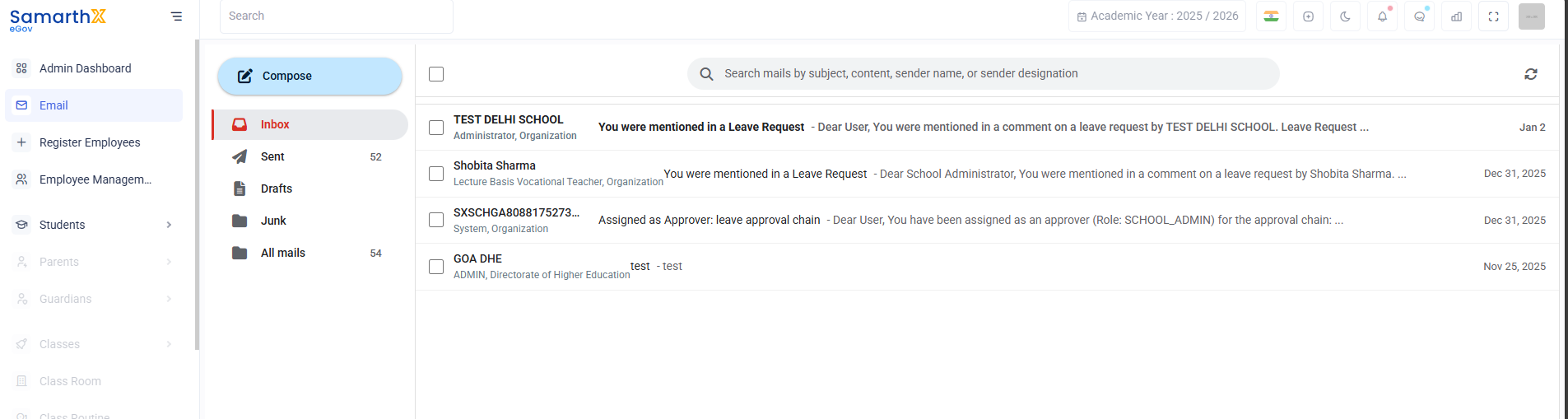
2. Navigation & Sidebar Options
The left‑hand sidebar provides quick access to different mail folders and actions.
2.1 Compose
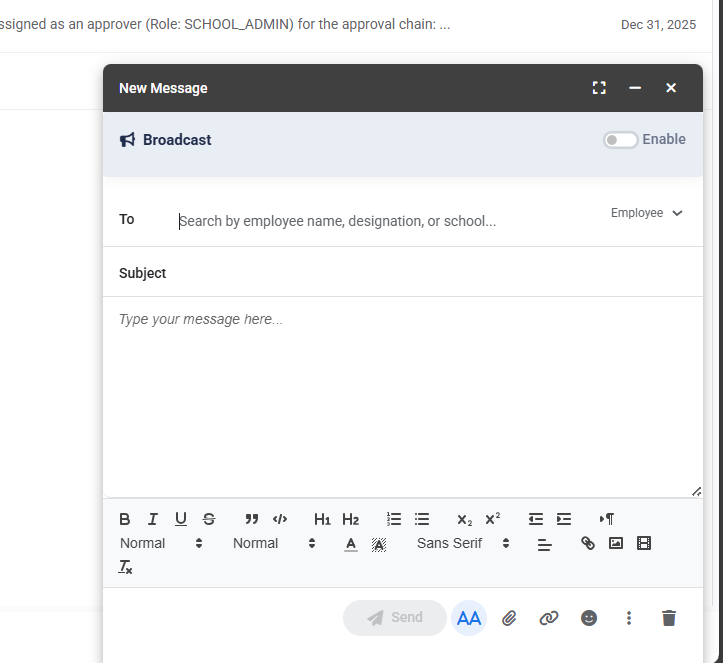
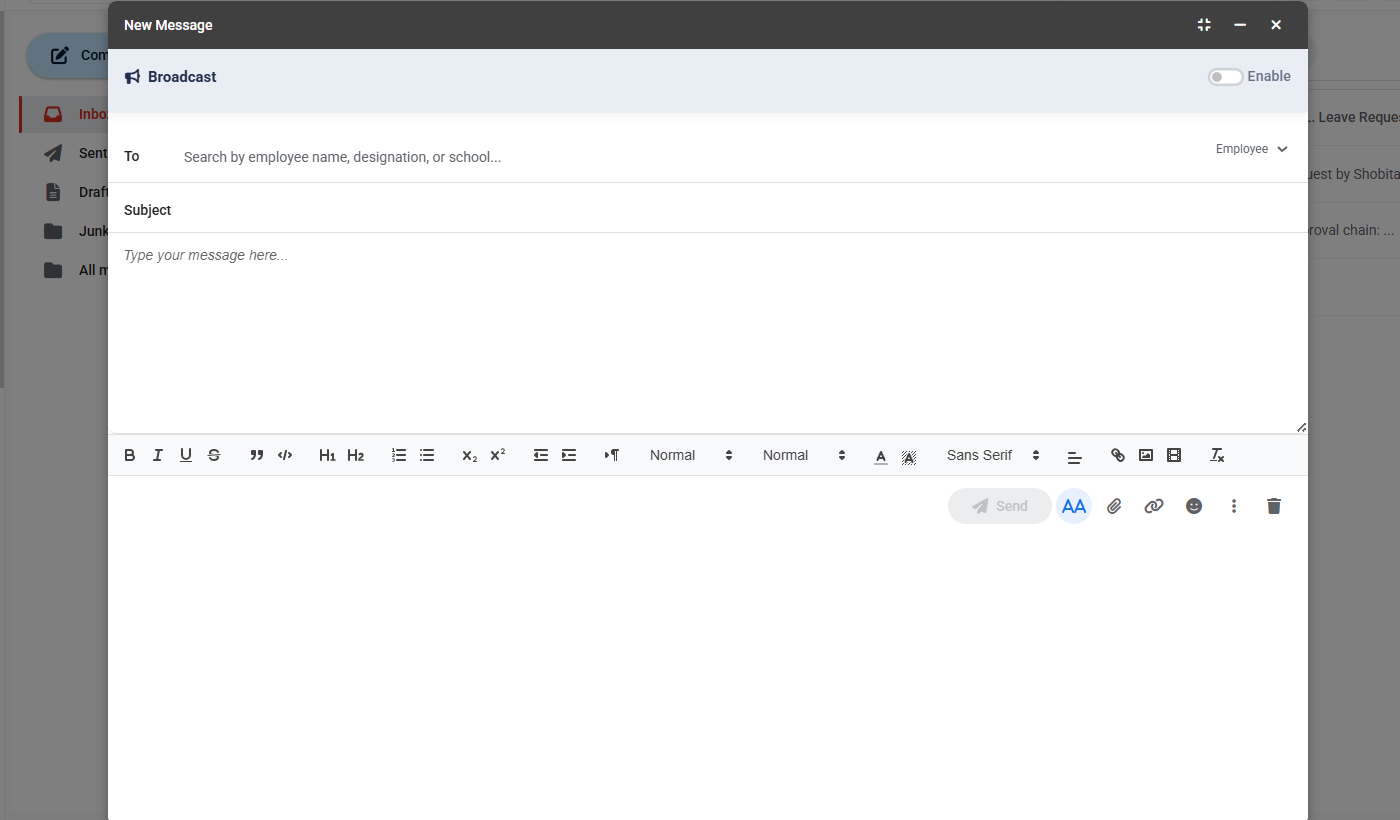
The Compose option allows users to create and send a new email.
-
Used for manual communication between DHE, schools, and employees
-
Supports sending instructions, clarifications, and official messages
-
Emails sent using Compose appear in the Sent folder
2.2 Inbox
The Inbox displays all incoming messages received by the user.
This includes:
-
Messages sent by other users (DHE, school administrators, employees)
-
System‑generated notifications such as:
-
Assignment as an approver in a leave approval chain
-
Permission updates (e.g., leave approval access granted)
-
Mentions in leave request discussion comments using
@username -
Status updates related to leave requests
-
Inbox emails are listed with:
-
Sender name and designation
-
Email subject
-
Short message preview
-
Date received
2.3 Sent
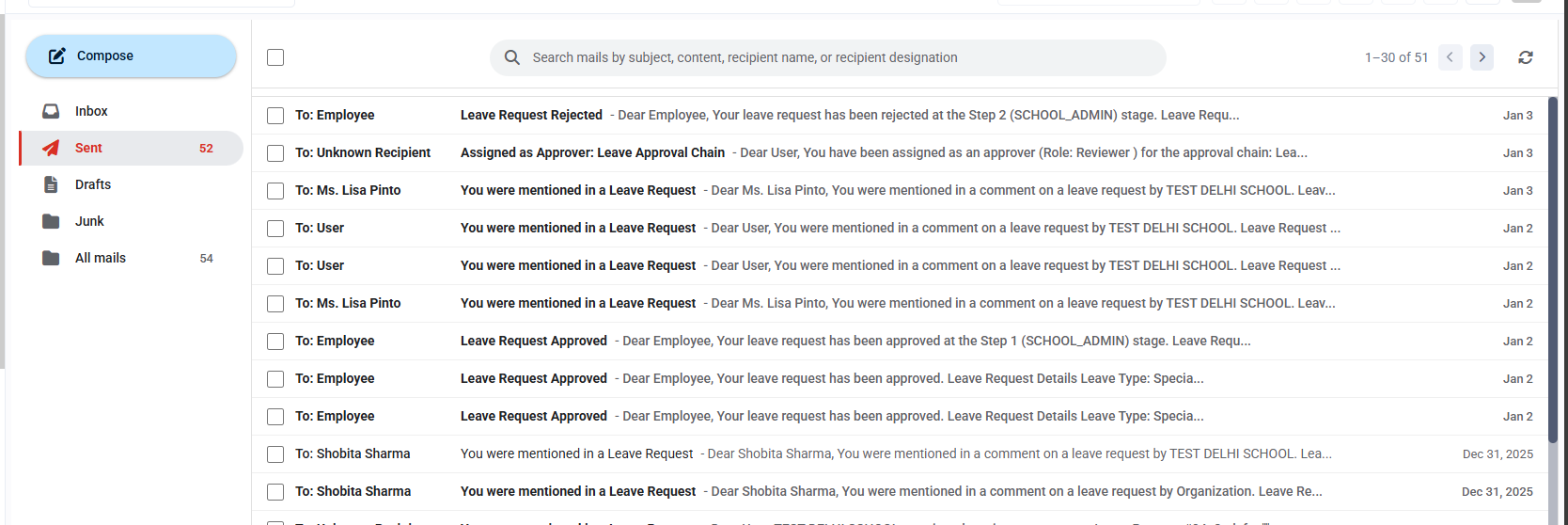
The Sent folder contains all emails that the user has sent using the Compose option.
It allows users to:
-
Review previously sent communications
-
Track when and to whom a message was sent
-
Maintain records of official correspondence
2.4 Drafts
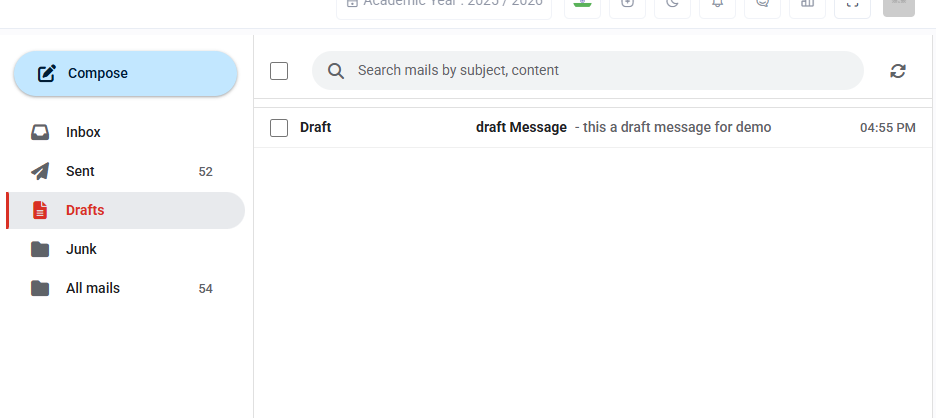
The Drafts folder stores emails that were saved but not sent.
-
Useful for preparing messages in advance
-
Drafts can be edited and sent later
2.5 Junk
Deleted emails are moved to the Junk folder
-
Acts as a temporary holding area for removed messages
-
Allows users to review or recover emails if required before permanent removal
2.6 All Mails
The All Mails section shows a combined view of:
-
Inbox messages
-
Sent emails
-
System‑generated notifications
This view is useful for searching across all communications from a single place.
This module acts as the official communication channel for operational and system‑driven interactions across the platform.
No comments to display
No comments to display