
Viewing and Editing Employee Information
This guide explains how to access and update employee details after they have been registered in the SamarthX Platform.
1. Access Employee Details
-
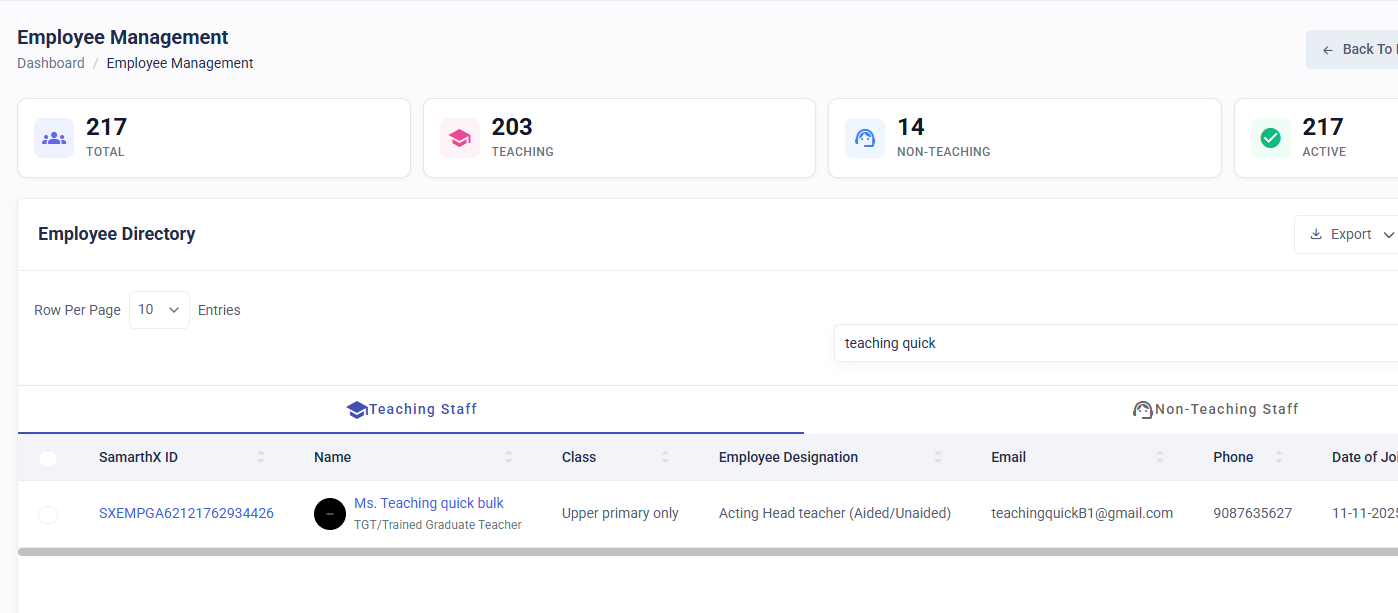
Go to the Employee List Page .
-
From the list, select the employee whose details you want to view.
-
You can click on either the Employee Name or Employee ID to open their profile.
-
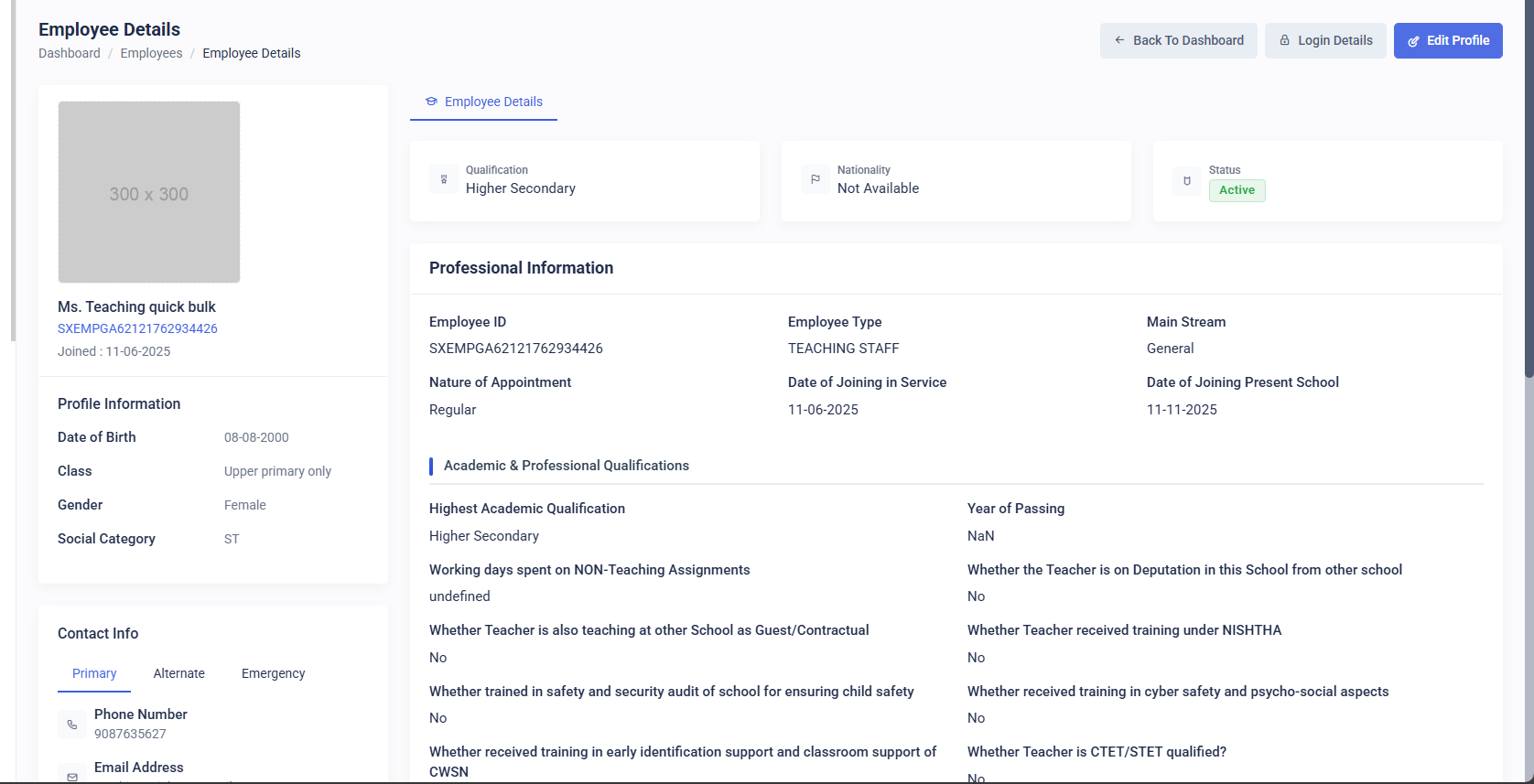
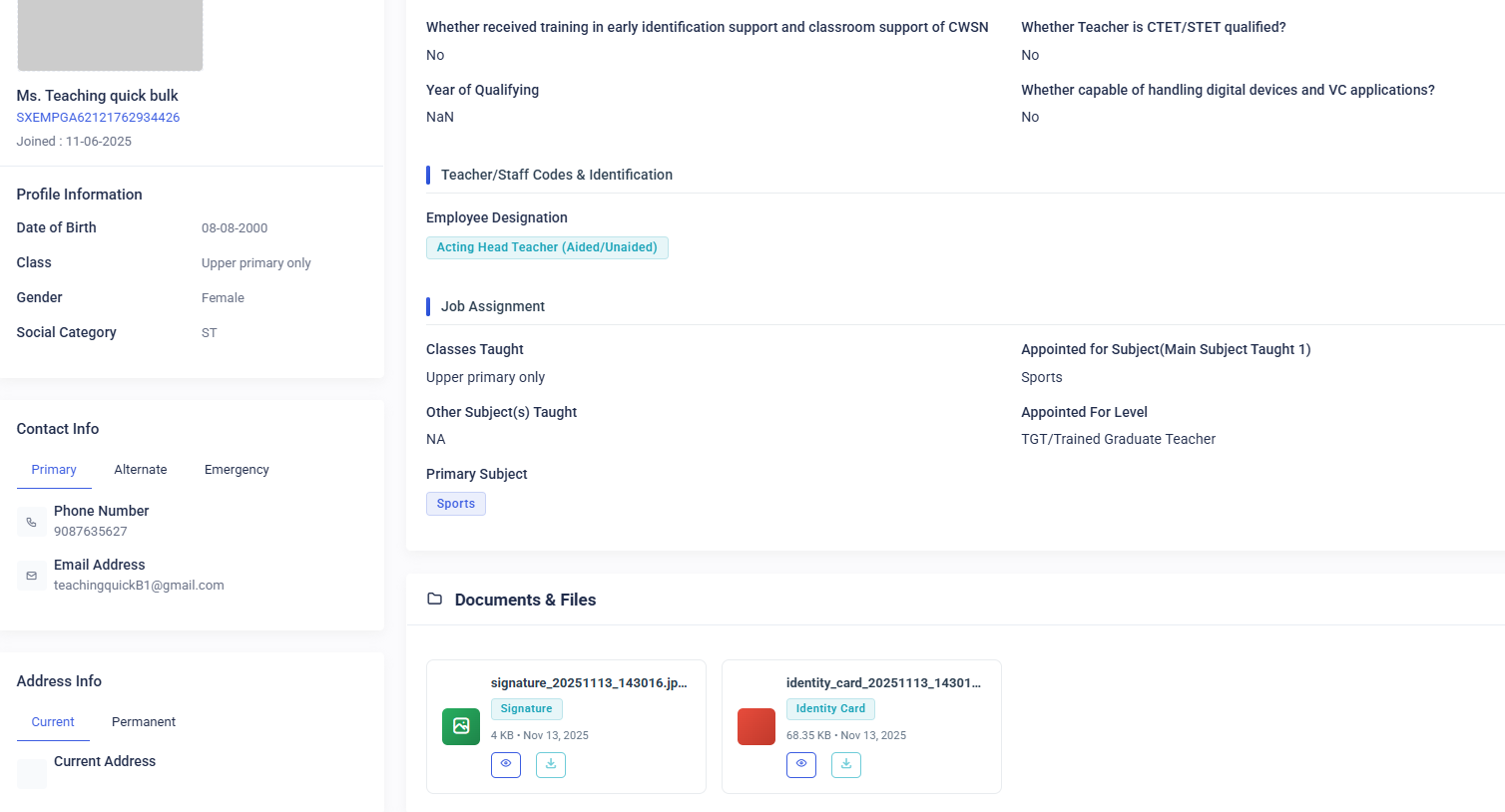
You will be redirected to the Employee Details page, where all the information related to that employee is displayed.
2. Edit Employee Information
-
On the Employee Details page, click the Edit Employee button located at the top-right corner.
-
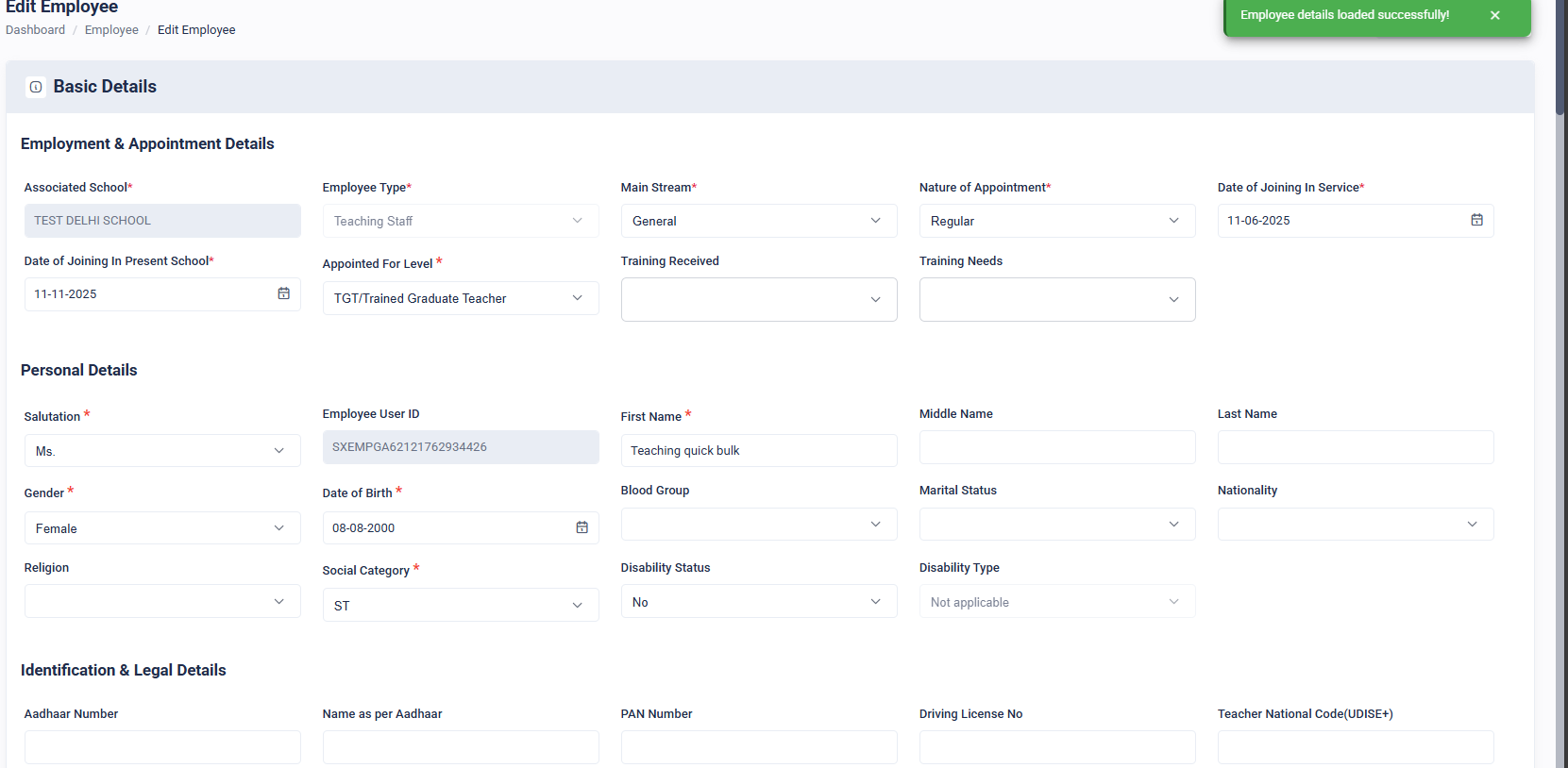
The employee information will be opened in editable sections.
-
Navigate through each section and update the required fields.
-
Save the changes to update the employee’s information.

No comments to display
No comments to display