
Student Admission Form – Document Re-Upload
Overview
The Document Upload page allows applicants to upload all mandatory documents required for admission processing.
Applicants can upload scanned copies or capture images directly using the device camera.
Navigation
Student Admission Form → Step 4: Document Upload
Upload Guidelines
- Upload clear and readable document copies.
- Documents can be uploaded from the device or captured using the Take Photo option.
- Supported formats:
- HEIC
- JPG / JPEG
- PNG
- WebP
- PDF file size limit: 50KB – 1MB
Documents Required
Identity Documents
Student Photo
Required: Yes
Supported Formats:
- HEIC
- JPG / JPEG
- PNG
- WebP
Available Actions:
- Upload document
- Take photo using device camera
- View uploaded document
- Replace uploaded document
Birth Certificate
Required: Yes
Supported Formats:
- HEIC
- JPG / JPEG
- PNG
- WebP
Available Actions:
- Upload document
- View uploaded document
- Replace uploaded document
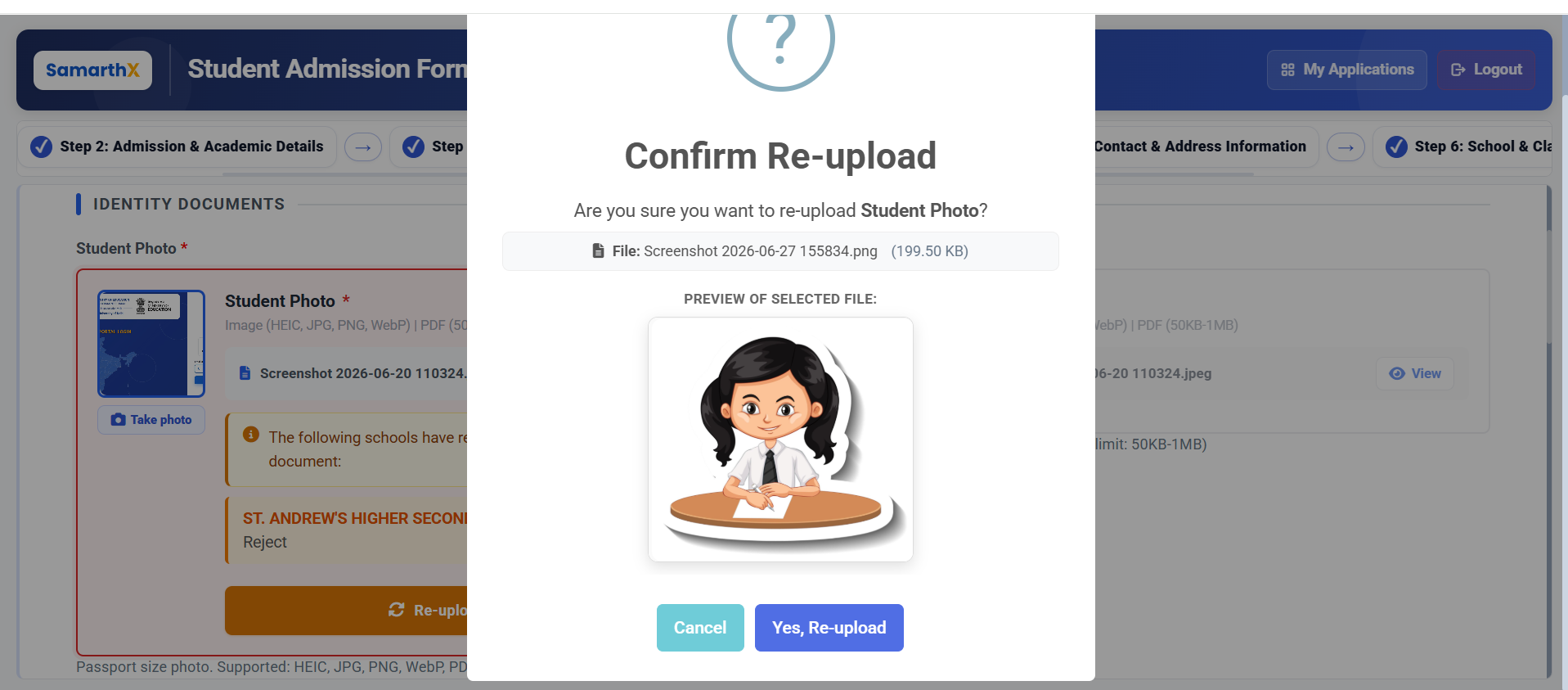
Document Re-upload Request
If a school identifies an issue with a submitted document, a re-upload request is displayed below the affected document.
Information Displayed
- School requesting the re-upload
- Document requiring correction
- Reason for re-upload (if provided)
Applicant Actions
- Review the request
- Upload a corrected document
- Resubmit for school verification
Available Actions
Take Photo
Capture a document directly using the device camera and upload it.
Upload Document
Select a document from the device and upload it.
View Document
Preview the uploaded document before submission.
Replace Document
Upload a new version of an existing document.
Document Upload Workflow
Open Document Upload Page
        ↓
Review Required Documents
        ↓
Upload / Capture Documents
        ↓
View Uploaded Documents
        ↓
Save and Continue
        ↓
Submit Application
        ↓
School Reviews Documents
        ↓
Re-upload Requested? (If Required)
        ↓
Upload Corrected Document
        ↓
School Re-verification
No comments to display
No comments to display