
Admission Application Dashboard
Overview
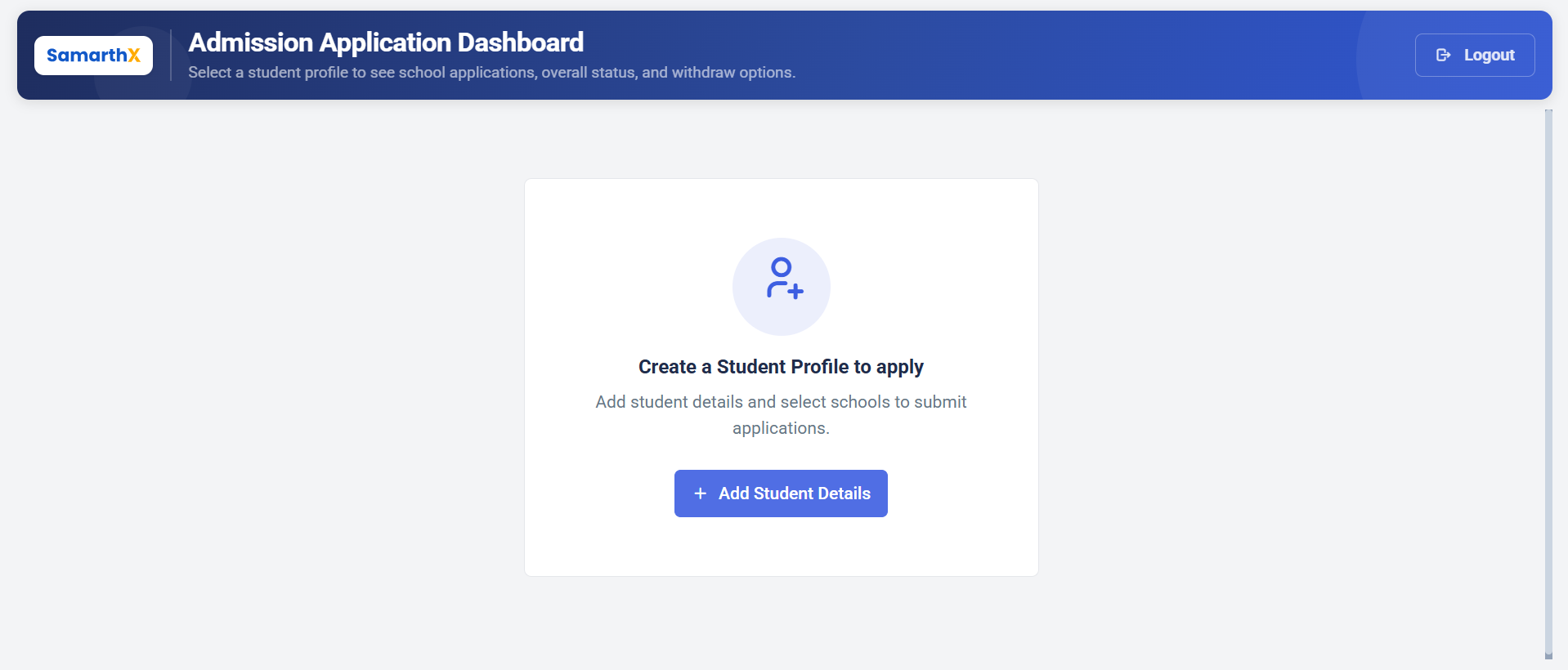
The Admission Application Dashboard provides a centralized view of all student profiles and their associated school applications. Applicants can track application status, manage profiles, and withdraw applications when permitted.
Navigation
Student Admission Portal → Admission Application Dashboard
Dashboard Features
The dashboard allows applicants to:
- View all student profiles
- Track school application status
- Monitor overall admission progress
- Access application details
- Withdraw applications (if permitted)
- Create new student profiles
Student Profiles
Applicants must create a student profile before applying for admission.
Available Actions
| Action | Description |
|---|---|
| Create Student Profile | Add a new student profile for admission applications |
| View Applications | View all applications associated with a student profile |
| Track Status | Monitor admission status across schools |
| Withdraw Application | Withdraw submitted applications when allowed |
Create a Student Profile
Select Create a Student Profile to begin the admission process.
Purpose
A student profile contains:
- Student personal information
- Academic details
- Required documents
- School preferences
- Admission application records
Note: At least one student profile must be created before applications can be submitted.
Admission Dashboard Workflow
Admission Application Dashboard
              │
              ▼
Create Student Profile
              │
              ▼
Enter Student Details
              │
              ▼
Upload Required Documents
              │
              ▼
Select Schools
              │
              ▼
Submit Application
              │
              ▼
Track Application Status
              │
              ▼
Admission Decision
Important Notes
- Student profiles must be created before applying to schools.
- Multiple student profiles can be managed from a single account.
- Applications can be submitted to multiple schools.
- Application status is updated as schools process admissions.
- Withdrawal options are available only when permitted by admission policies.
No comments to display
No comments to display