
Declaration Submission Status – Success Screen
Overview
This screen confirms that the applicant’s declaration and consent submission has been successfully saved in the system. The application is now officially recorded at the final step of the admission workflow.
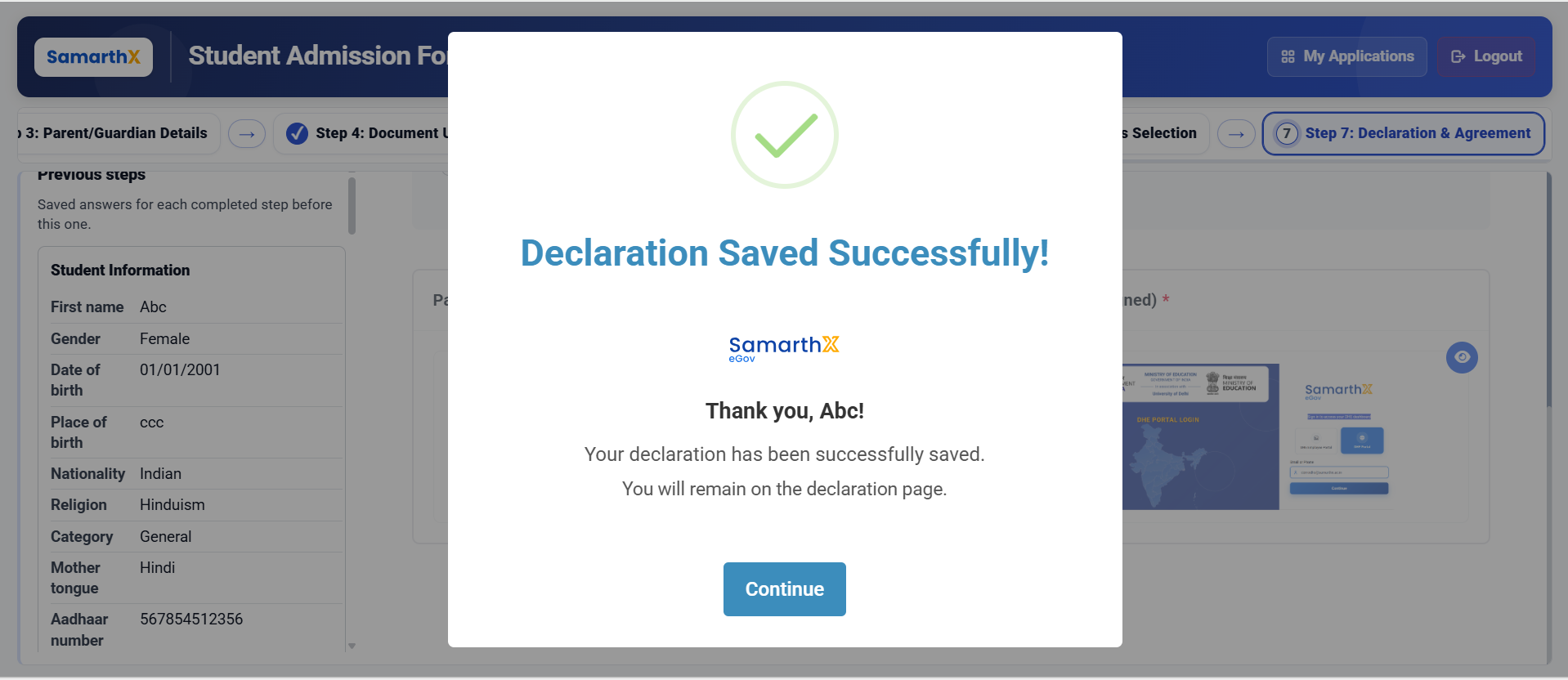
Submission Confirmation
Status Message:
- Declaration Saved Successfully!
User Acknowledgment:
- Thank you message displayed to applicant:
Thank you, Abc! Your declaration has been successfully saved.
Application State
- Application status: Submitted (Final Step Completed)
- Declaration: Saved
- Consent form: Uploaded
- Signature: Uploaded
- Data: Locked (Read-only mode except allowed updates as per policy)
School Selection Summary
- Academic Year: 2026–2027
- Application ID: XXXX-512356-010101-20922
- Selected School IDs:
- SXSCHDM512101048778759
- SXSCHDM512101048778758
System Behavior After Submission
- Applicant remains on Declaration page (confirmation state)
- No further edits allowed for submitted data
- Application is now available for administrative review
- Only permitted post-submission actions (if any) are enabled
No comments to display
No comments to display