
Student List- Add Student
Page 4: Bulk Student Registration
Overview
This feature allows administrators to register multiple students at once by uploading an Excel file, improving efficiency and reducing manual entry.
Navigation
Dashboard → Student Management → Bulk Student Registration
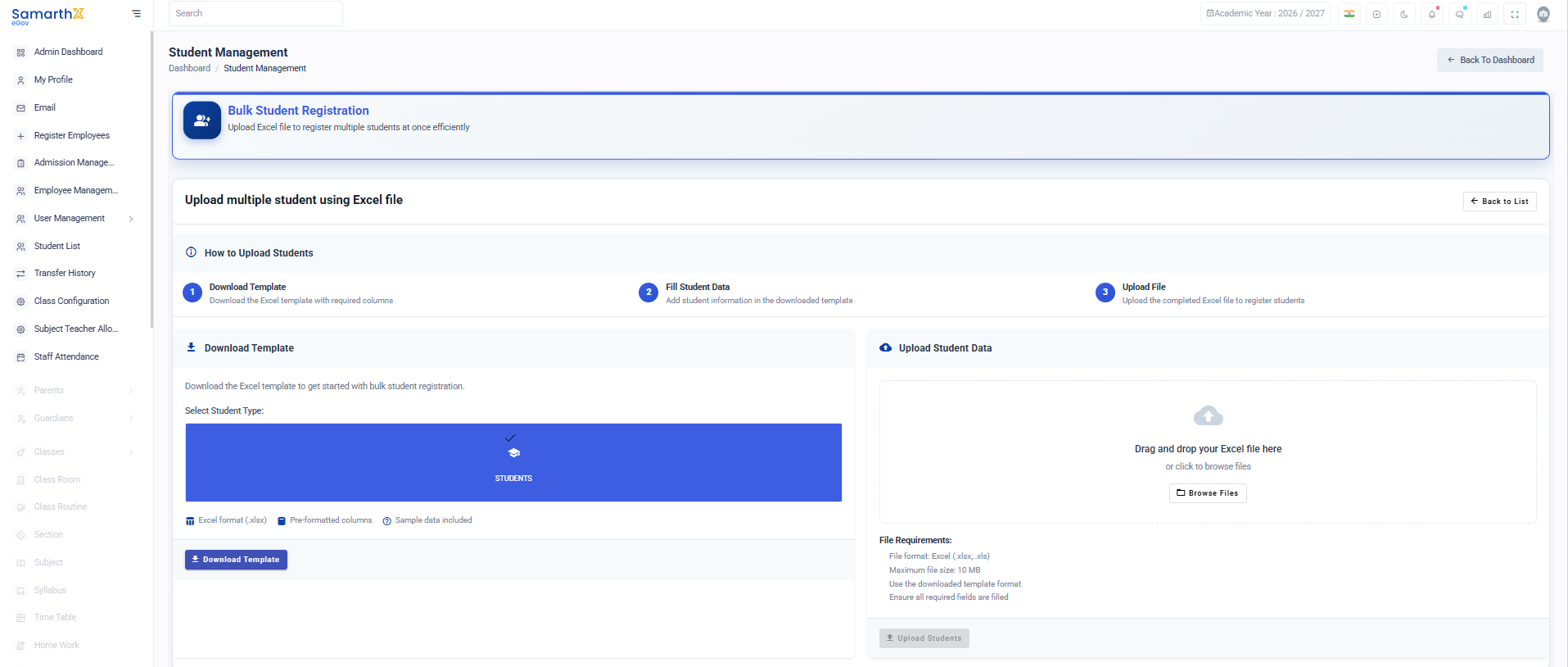 Dashboard → Student Management → Bulk Student Registration
Process
1. Download Template
- Download the pre-formatted Excel file
- Includes required columns and sample data
2. Fill Student Data
- Enter student details in the template
- Ensure all required fields are completed
3. Upload File
- Upload the completed Excel file to register students in bulk
Upload Section
- Drag and drop Excel file or browse to upload
- Supported formats:
.xlsx,.xls - Maximum file size: 10 MB
File Requirements
- Must use provided template format
- All mandatory fields must be filled
- Ensure data accuracy before upload
No comments to display
No comments to display