
Department Dashboard-Employee Management-Bulk Employee Registration
Overview
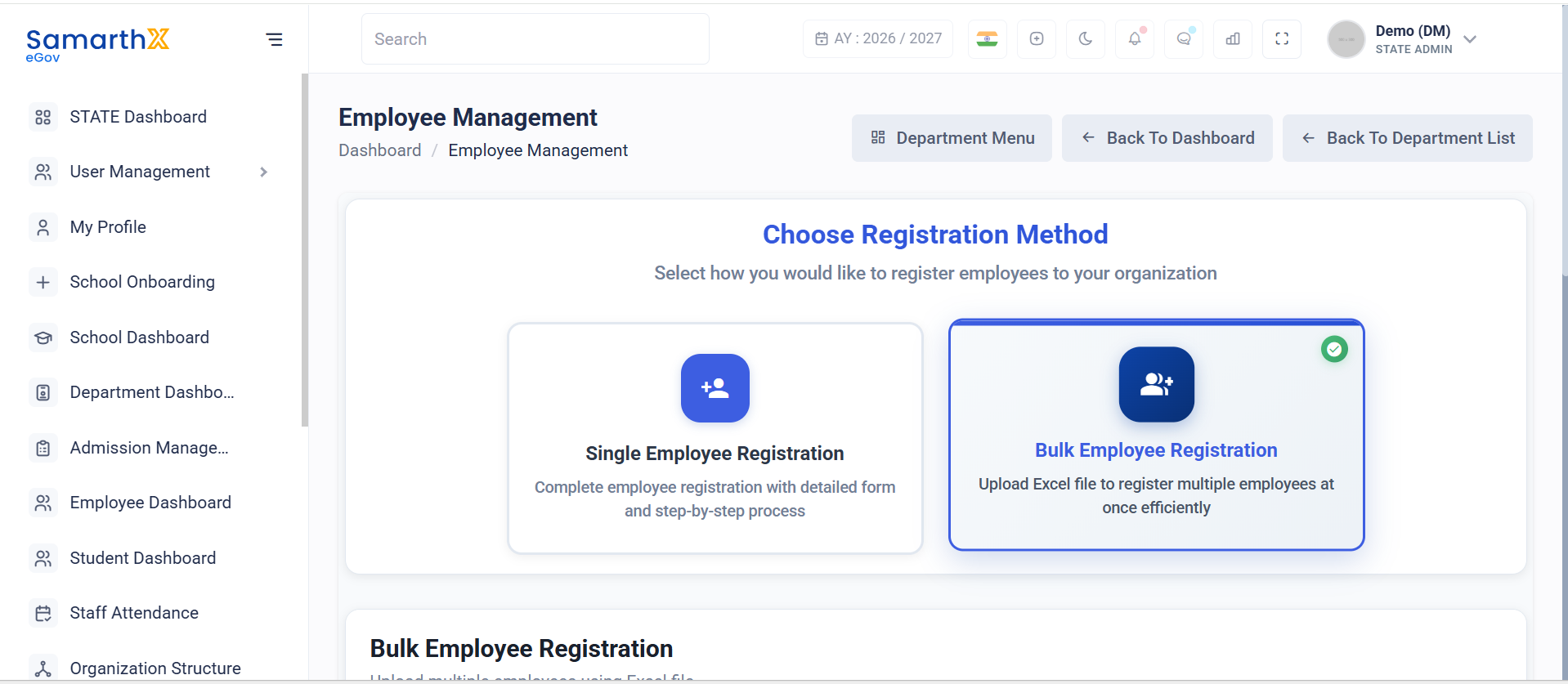
The Bulk Employee Registration module enables administrators to register multiple employees simultaneously by uploading an Excel file. This feature simplifies large-scale employee onboarding and reduces manual data entry.
Navigation
Employee Management → Bulk Employee Registration
Purpose
Bulk Employee Registration allows administrators to:
- Register multiple employees in a single operation
- Upload employee records using a predefined Excel template
- Reduce manual registration effort
- Standardize employee data imports
Bulk Registration Workflow
Download Template
        │
        ▼
Fill Employee Data
        │
        ▼
Upload Excel File
        │
        ▼
Validate Data
        │
        ▼
Register Employees
How to Upload Employees
Step 1: Download Template
Download the predefined Excel template provided by the system.
The template includes:
- Required employee data fields
- Pre-configured column structure
- Sample data for reference
Template Features
- Excel format (.xlsx)
- Pre-formatted columns
- Sample data included
Step 2: Fill Employee Data
Enter employee information into the downloaded template.
Administrators should:
- Complete all mandatory fields
- Follow the prescribed format
- Verify employee details before upload
- Avoid modifying template column names
Step 3: Upload File
Upload the completed Excel file to the system.
Upload options:
- Drag and drop the file into the upload area
- Click to browse and select the file manually
Select Employee Type
Before downloading the template or uploading employee data, select the applicable employee category.
Examples may include:
- Teaching Staff
- Non-Teaching Staff
- NSQF Vocational Staff
- Administrative Staff
The selected employee type determines the structure and validation rules applied during import.
File Requirements
| Requirement | Value |
|---|---|
| Supported Formats | .xlsx, .xls |
| Maximum File Size | 10 MB |
| Template Usage | Mandatory |
| Required Fields | Must be completed before upload |
Upload Validation
The system validates uploaded files for:
- Supported file format
- Maximum file size
- Template structure compliance
- Mandatory field completion
- Data consistency checks
- Duplicate record verification
User Actions
Administrators can:
- Select employee type
- Download registration templates
- Prepare employee data offline
- Upload employee records in bulk
- Validate imported data
- Register multiple employees simultaneously
Notes
- Only Excel files (
.xlsxand.xls) are supported. - Administrators should always use the latest downloaded template.
- Modifying template column headers may cause upload failures.
- Files larger than 10 MB will not be accepted.
- Records with missing mandatory information may be rejected during validation.
- Bulk registration follows organizational validation rules and employee creation policies.
No comments to display
No comments to display