
System Overview
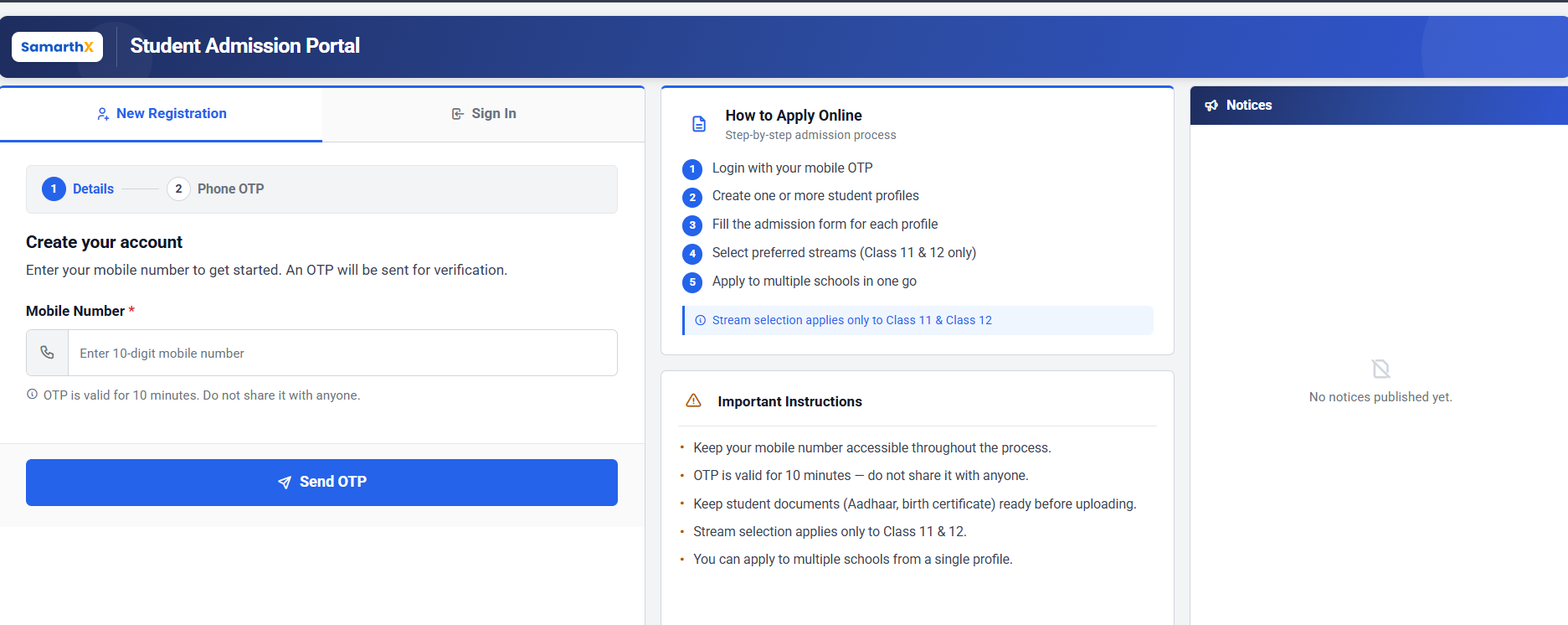
The Admission Portal is an online admission management system that helps applicants apply to schools, helps schools review and process those applications, and helps the state education authority (Directorate of Higher Education, referred to as DHE) oversee the admission cycle end-to end.
Applicants create an account, fill in a multi-step application form, upload the required documents, choose one or more schools, and submit their application. Schools receive the applications relevant to them, verify each document, take a decision on each application, and communicate the outcome to the applicant. The DHE controls the overall admission calendar, publishes state-wide guidelines, and can monitor and export applications from all schools in a single view.
The portal keeps the applicant, school, and DHE workflows in one place, sends automated updates by email and SMS, and lets both applicants and administrators print or download the finished application form as a PDF.
Major Features Overview
| S.No. |
Feature |
Primary Users |
|
1 |
Applicant Registration and Sign-in (OTP-based) |
Applicants |
|
2 |
Multi-Step Admission Application Form |
Applicants |
|
3 |
Multi-School Application from a Single Profile |
Applicants |
|
4 |
Document Upload, Reupload, and Management |
Applicants |
|
5 |
Application Submission, PDF Download, and Withdrawal |
Applicants |
|
6 |
Public Admission Guidelines and School Instructions |
Applicants (public) |
|
7 |
Application Review, Verification, and Decisions |
School Admins |
|
8 |
School Instructions and Logo Management |
School Admins |
|
9 |
State-wide Application Oversight and Reporting |
DHE Admins |
|
10 |
Admission Windows Management |
DHE Admins |
|
11 |
Admission Control Settings (Freeze / Close) |
DHE Admins |
|
12 |
Guideline Documents for the Admission Landing Page |
DHE Admins |
|
13 |
Automated Email and SMS Notifications |
Applicants (recipients) |
|
14 |
Data Export to Excel |
School Admins, DHE Admins |
No comments to display
No comments to display